 01
Turn this selfie into a 1990s yearbook portrait with a mottled blue backdrop and soft flash.
01Turn this selfie into a 1990s yearbook portrait with a mottled blue backdrop and soft flash.
 02
Give him a retro school portrait look with a laser-pattern backdrop and warm film color.
 03
Make her a classic class portrait with a soft blue backdrop and a gentle nineties flash glow.
 04
Turn him into a nineties yearbook senior with a mottled gray-blue backdrop and soft flash.
 05
Restyle this selfie as a retro school portrait with a laser backdrop and fine film grain.
 06
Make him a 1990s yearbook portrait with a soft mottled backdrop and a casual nineties jacket.
Turn one selfie into a 1990s school portrait with AI yearbook photo on Lovsul. Upload a photo, press Generate, and download your retro class picture.
AI yearbook photo restyles one selfie as a 1990s American high school portrait, with a mottled backdrop, soft flash, and a period hairstyle. The effect is preset, so you only upload a photo and press Generate.
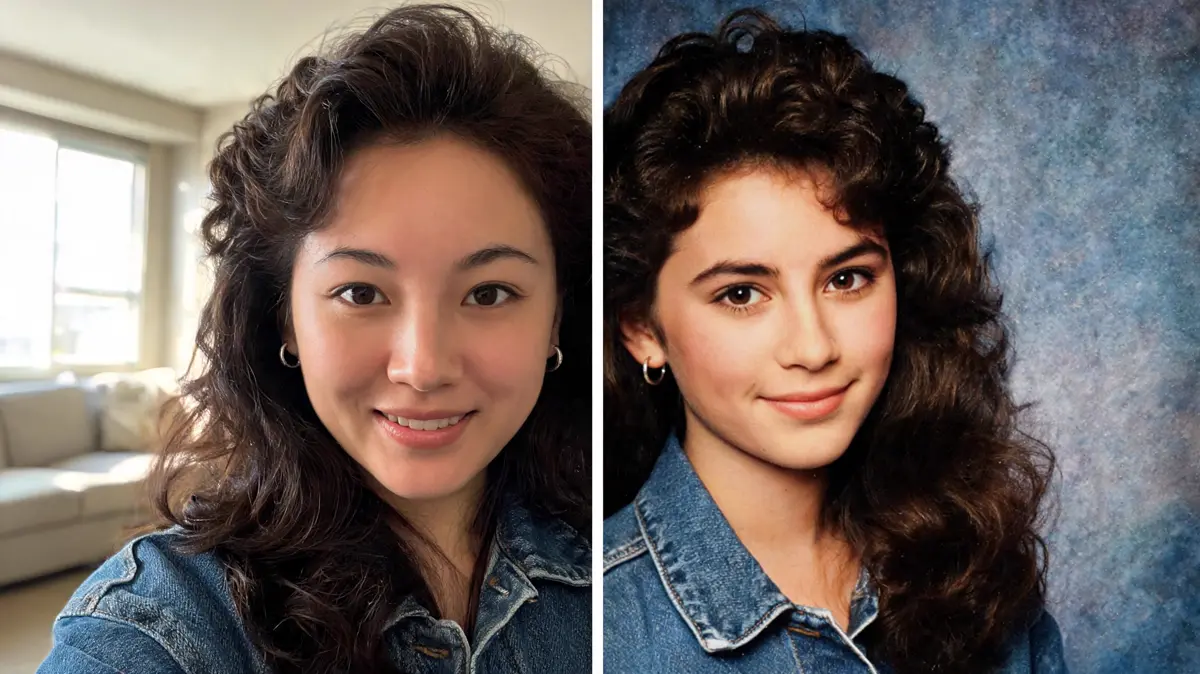
Your face, hair color, and expression stay recognizable while the lighting, backdrop, and styling move back to the nineties. The result looks like a page from an old class album.
Lovsul has already set the look for you, so one photo and one click are all it takes. Every run aims at the same classic school-portrait feel.
Generate saves the portrait as a new file in your library. Your original photo stays untouched, so you can compare the two.
You need one clear selfie and one click. The steps below take you from upload to download.
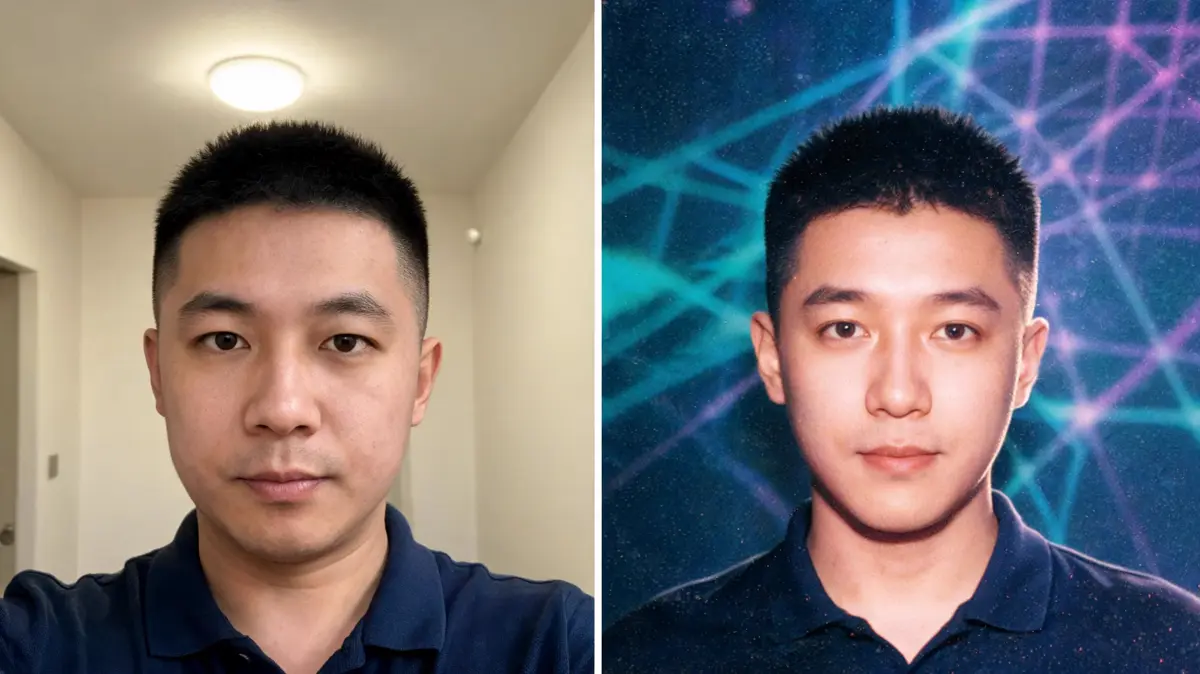
A head-and-shoulders photo with the face turned to the camera gives the cleanest portrait. Avoid sunglasses, heavy filters, and hats that hide the hairline.
Upload it, drag it in, paste a link, or pick it from your library. Browsing is open to everyone, but generating needs a signed-in account.
One click runs the yearbook look on your photo and uses credits from your balance. The finished portrait is saved to your library as a new file.
Open the result in your library and download it. Run the same photo again if you want another take on the hair and backdrop.
One selfie can become a classic class portrait, a funny group-chat avatar, or a throwback post. These are the uses people ask for most.
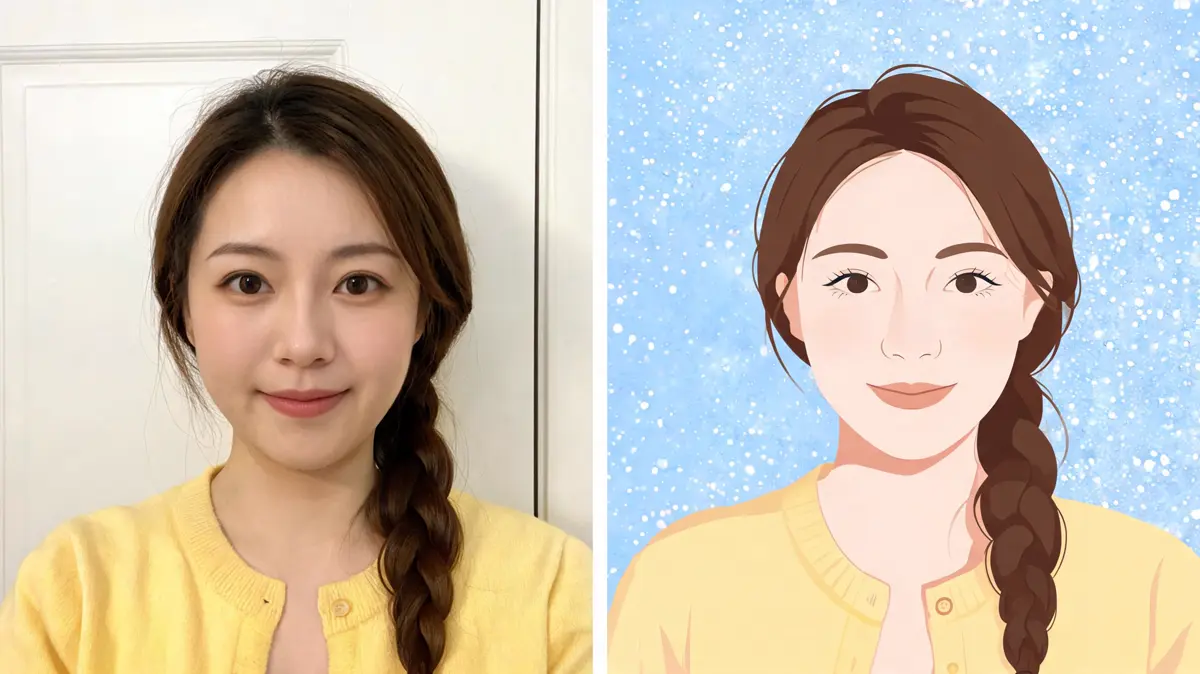
Share the portrait with a throwback caption and let friends guess the year. The soft flash and mottled backdrop do most of the work.
A serious school portrait of a friend makes a great joke avatar. Try it on a few selfies and pick the funniest one.
Make a mock class portrait for a reunion, a themed party, or a birthday card. Guests enjoy spotting each other in nineties hair.
Turn adult relatives into a gallery of school portraits for a family laugh. It also helps you test a nineties costume before dressing up.
Most people want a quick, funny, shareable picture rather than a studio session. These groups use the yearbook photo look most often.
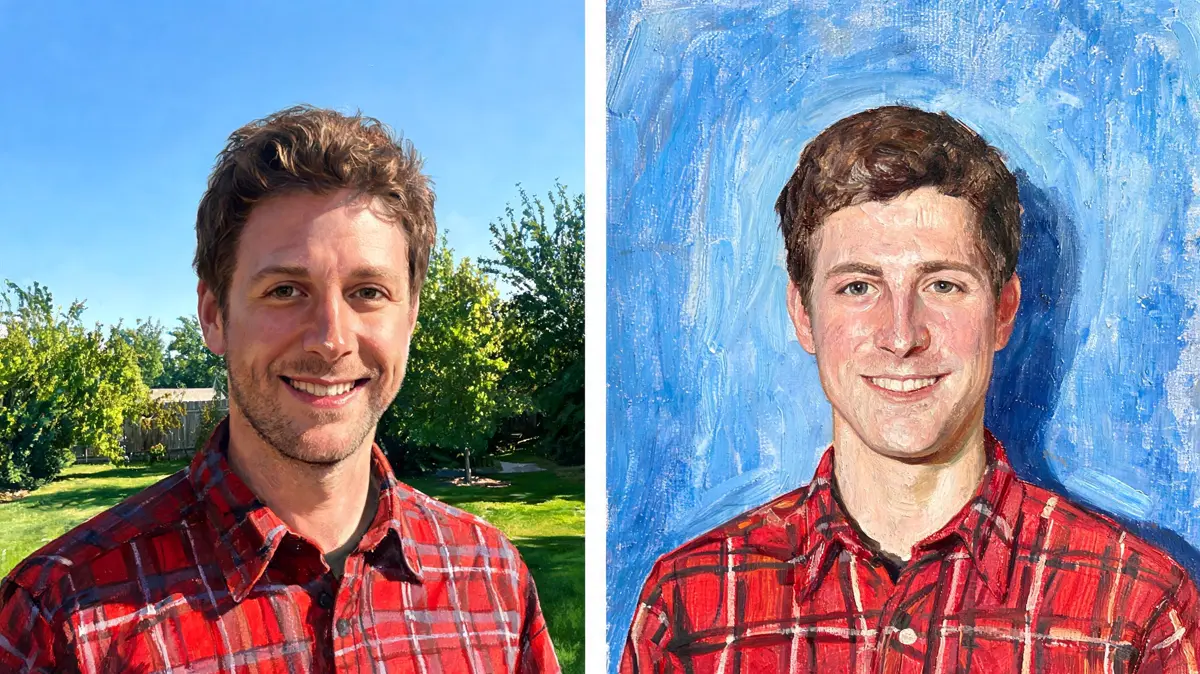
Fans of throwback trends use it to join a challenge in one click. A single selfie is enough for a full post.
Friends swap portraits of each other and vote on the best haircut. It keeps a chat lively for a whole afternoon.
Creators turn behind-the-scenes selfies into nineties portraits to change the pace of a feed. A short series in the same look reads like a school album.
Hosts add a mock class portrait to invites or a photo wall. Guests love finding their own face in nineties style.
Lovsul keeps the whole effect to one upload and one click, and the finished picture waits in your library. You do not need any design skills to get a clean retro portrait.
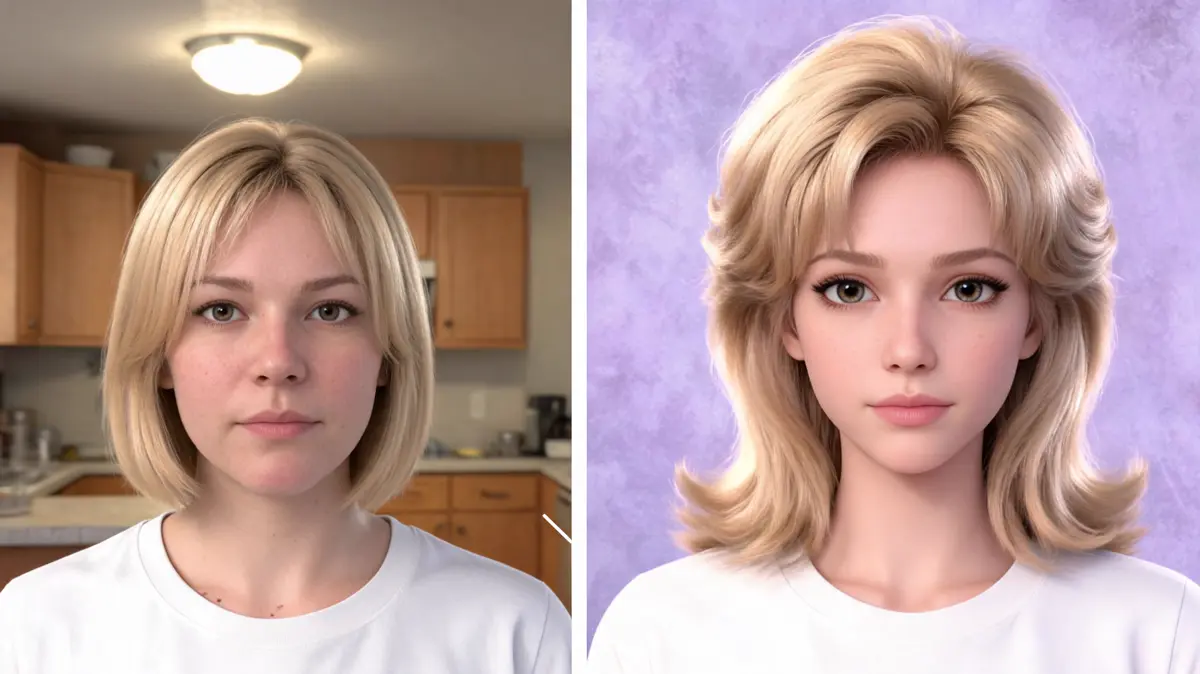
The backdrop, soft flash, and hairstyle are set for you, so every run aims at the same classic feel. Different photos give different results, but the look stays consistent.
The effect is set to keep the same person from your photo, with the same face and expression. Only the styling and the setting change.
Every result is stored as its own file in your library. You can download it later after signing in.
Answers about 90s school pictures, class portraits, and throwback looks. Each one covers a common question before you make a yearbook portrait.
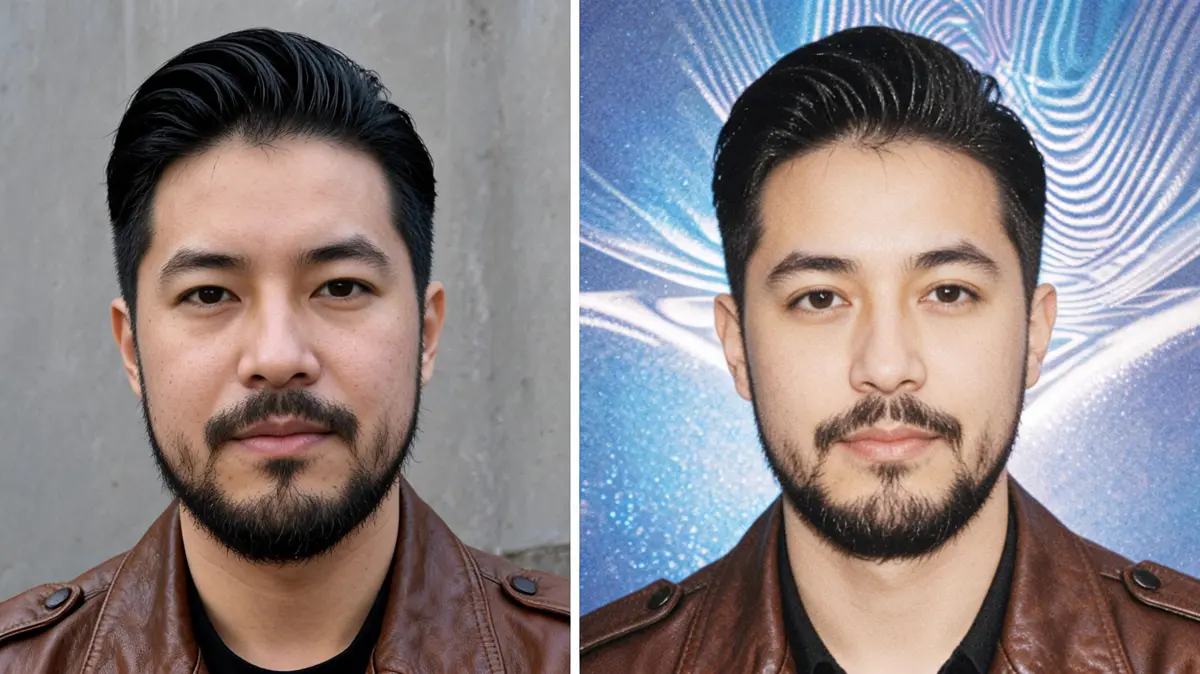
A sharp, front-facing selfie with even light gives the best portrait. Dark, blurry, or side-on photos often lose detail.
The effect is set to preserve your face, so the result should still look like you. Your hairstyle, hair color, and clothing stay as they are in the photo.
The effect works best with one adult in the frame. Group shots tend to lose detail, so crop to a single person first.
You can browse the page without signing in, but generating needs an account. Each run spends credits and saves the result to your library.
Lovsul does not claim copyright in the images you make, so personal and commercial use are both allowed. Free plan results carry a watermark, while images made during an active paid plan do not.