 01
Turn this beach snapshot into a white-border instant print with warm faded color and flash.
01Turn this beach snapshot into a white-border instant print with warm faded color and flash.
 02
Make this barbecue photo look like a faded instant print with a thick white border.
 03
Turn this cozy selfie into a flash-lit instant print with a white border and a soft film fade.
 04
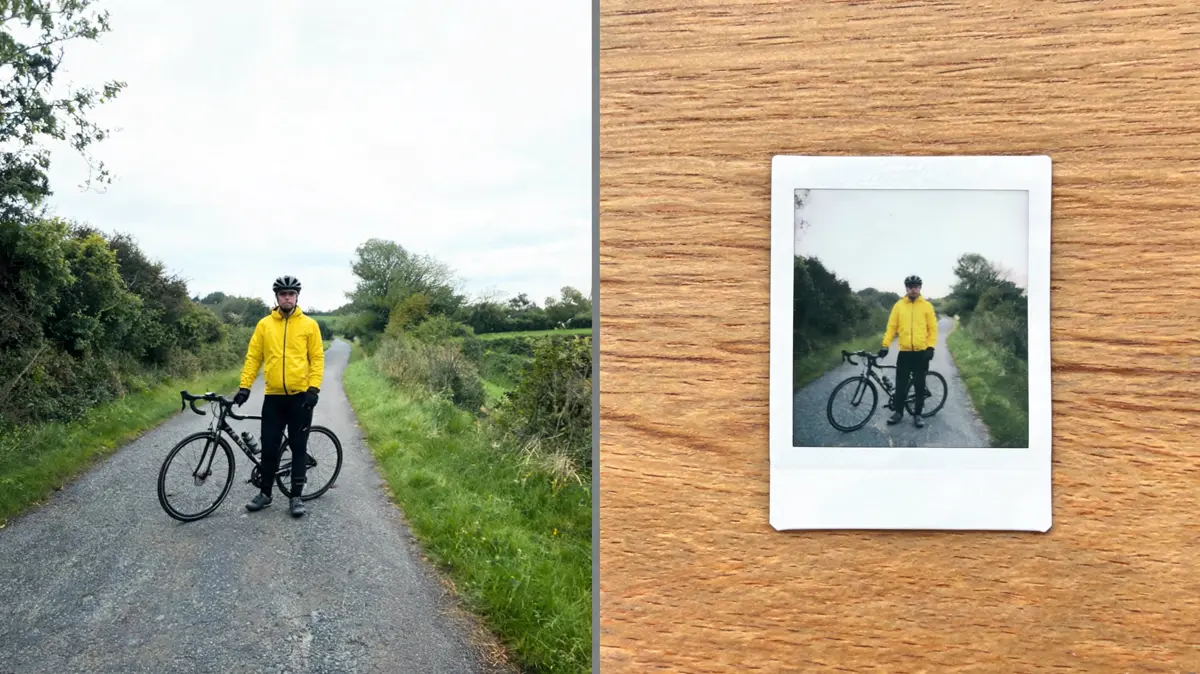
Give this bike ride a retro instant-film look with warm faded color and a white frame.
 05
Make this camping morning look like a candid instant print with a white border and flash.
 06
Turn this summer snapshot into a slightly faded instant print with a thick white border.
Give any photo a white-border instant-film look with AI polaroid on Lovsul. Upload one photo, press Generate, and download the faded, flash-lit print.
AI polaroid restyles one photo as a square instant-film print with a white border, direct flash, and slightly faded color. The effect is preset, so you only upload a photo and press Generate.
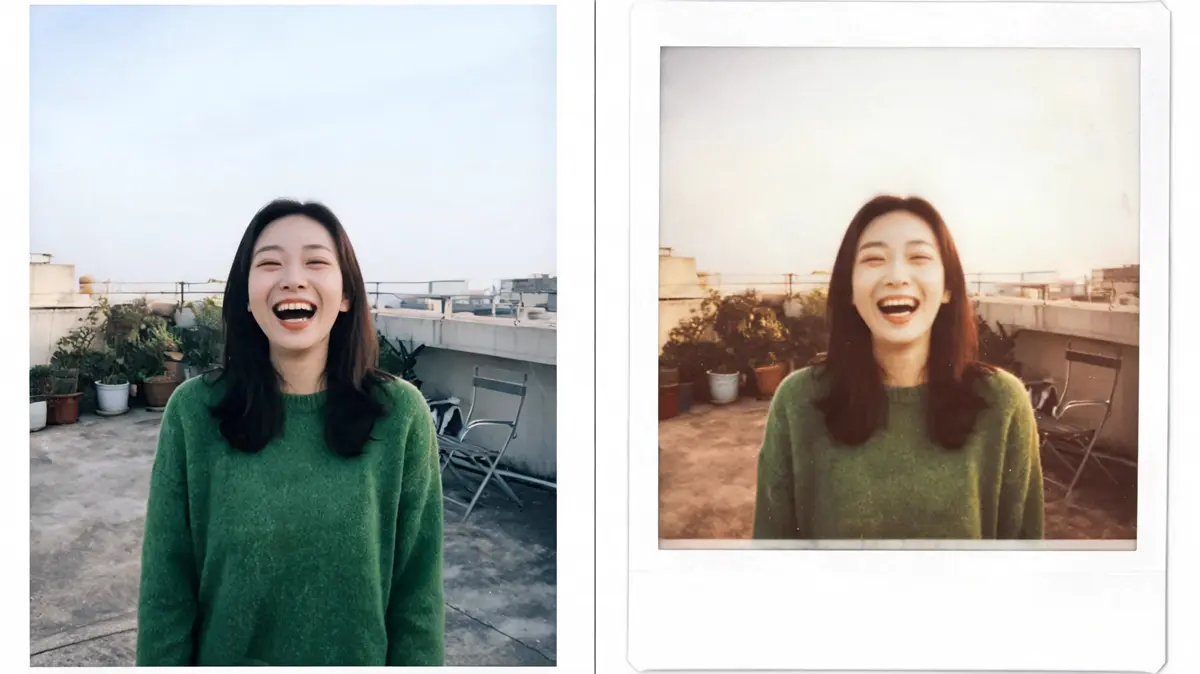
Your photo is framed like a real instant print, with a thick white edge and a wider margin at the bottom. The colors soften and warm slightly, like film that has aged a little.
The preset adds the flat front flash, bright highlights, and gentle fade that make instant photos feel candid. The person and the scene from your photo stay in place.
Generate saves the print as a new file in your library. Your original photo stays untouched, so you can compare the two.
You need one photo and one click. The steps below take you from upload to download.
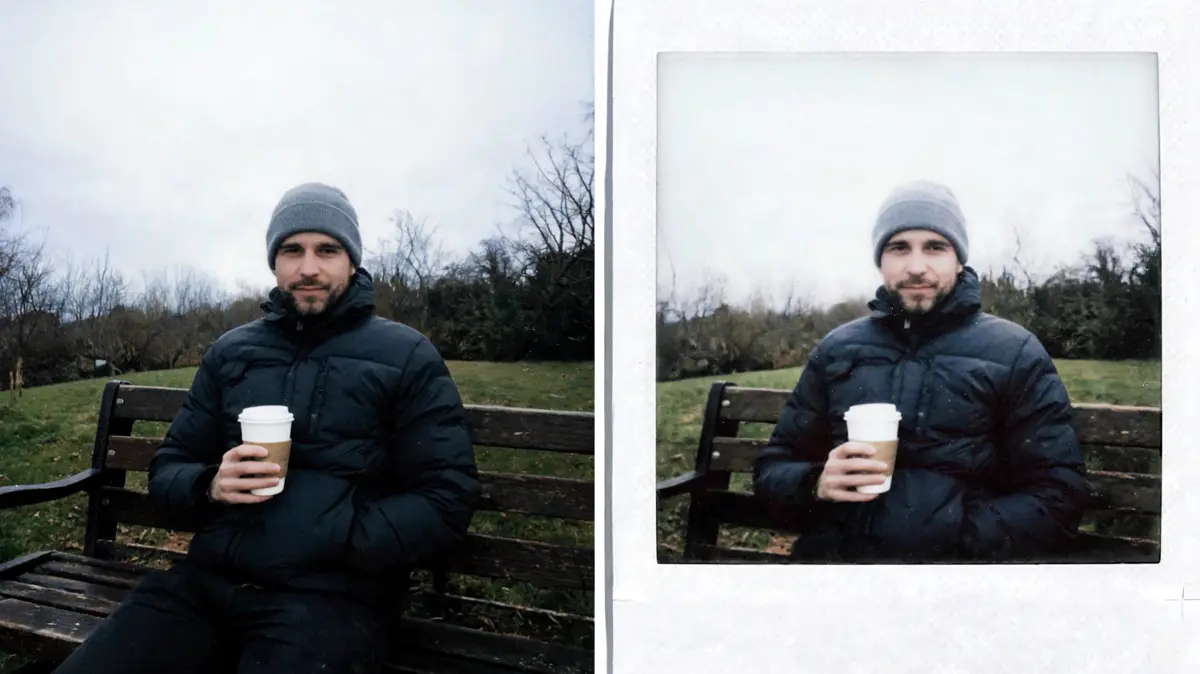
A portrait or a friend at a party works well when the person fills the frame. Sharp focus gives the print more charm.
Upload it, drag it in, paste a link, or pick it from your library. Browsing is open to everyone, but generating needs a signed-in account.
One click applies the instant-film look and uses credits from your balance. The finished print is saved to your library as a new file.
Open the result in your library and download it. Run the same photo again if you want a different take.
A single photo can become a keepsake print, a scrapbook picture, or a retro social post. These are the uses people ask for most.
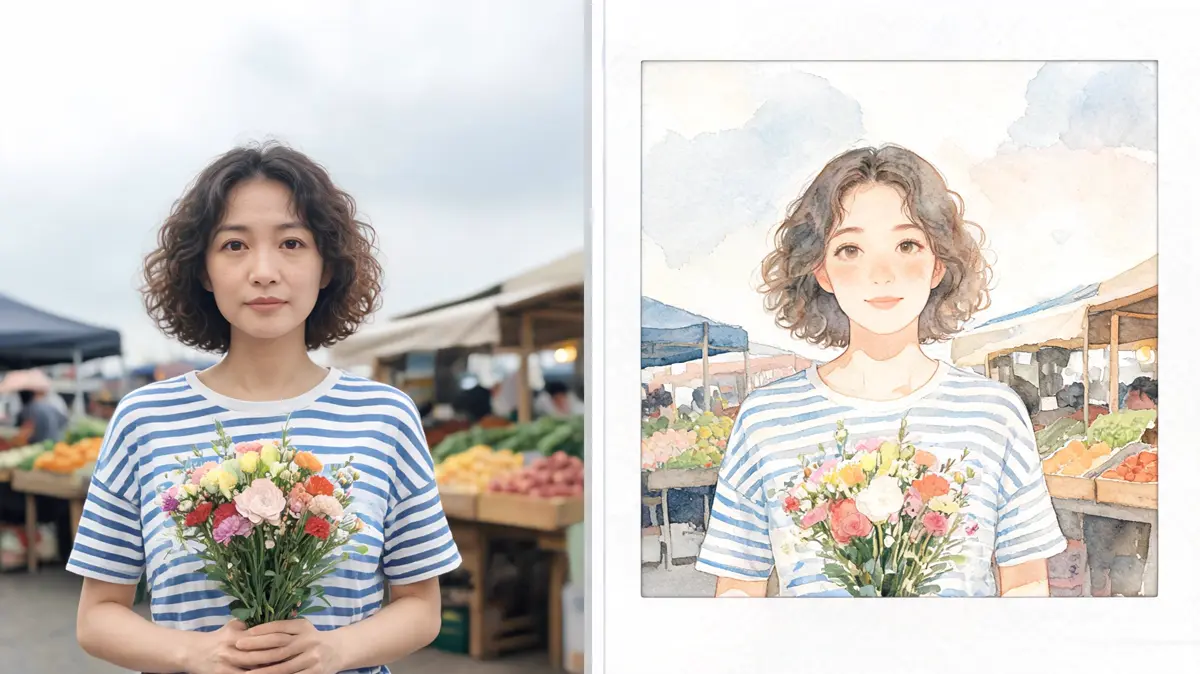
Turn a favorite snapshot into a white-border print that feels like a memory. It suits trip recaps, birthdays, and weekend photo dumps.
Print the result and paste it into a journal, a scrapbook, or a mood board. The white border gives every picture a clean frame.
A flash-lit instant print makes a warm, casual profile picture. A row of them in one feed looks like a wall of pinned snapshots.
Add a polaroid-style picture to a thank-you note or a party invite. It feels personal without any design work.
Most people want a warm, personal picture without staging a photo shoot. These groups use the polaroid look the most.
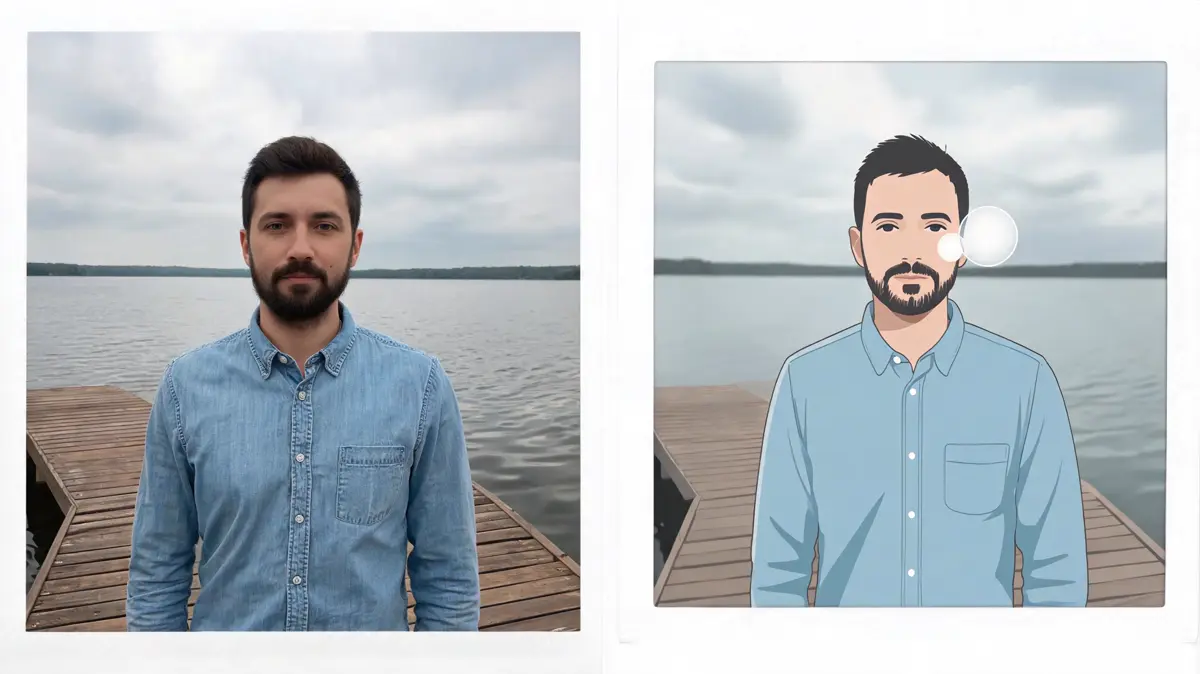
Friends turn a night out into a set of candid prints. The flat flash makes even a quick phone photo feel like a keepsake.
Travelers turn a few favorite photos into prints for a travel journal or a wall display. A matching white border ties very different places together.
Creators use the faded color and white border to give a feed a consistent retro mood. It is a quick way to unify photos shot on different days.
Hosts add instant-style prints to place cards, albums, and thank-you gifts. Guests enjoy a picture that feels handmade.
Lovsul keeps the whole effect to one upload and one click, and the finished print waits in your library. You do not need any design skills to get a clean instant-film look.
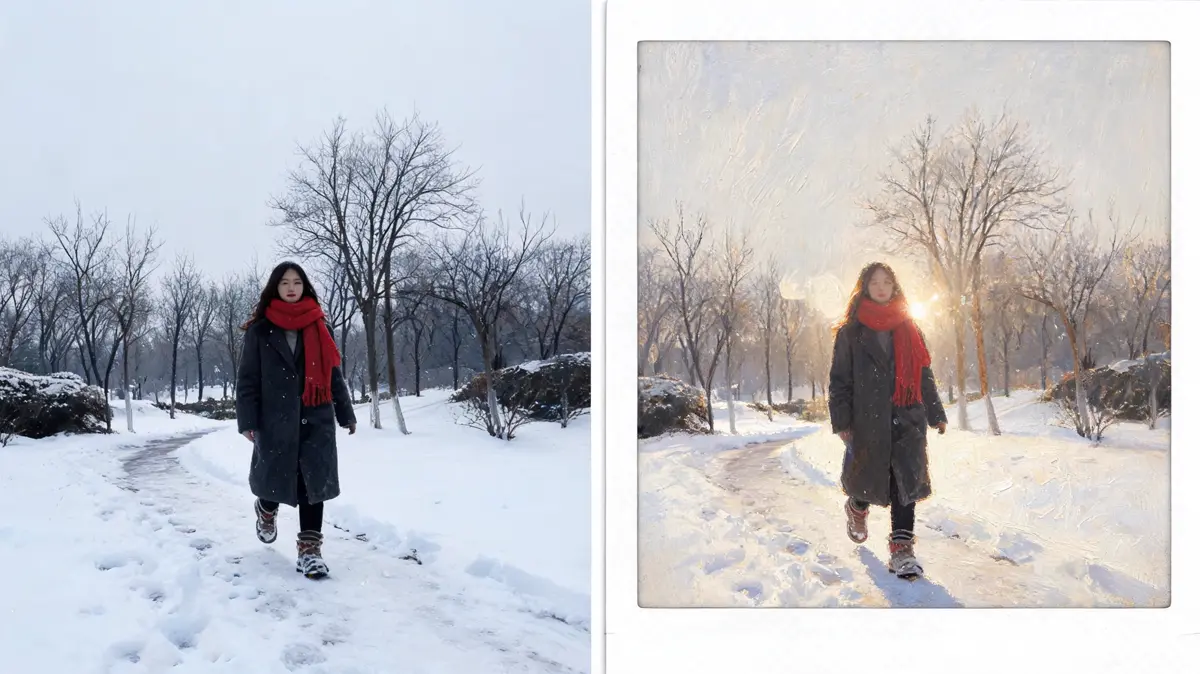
The white border, flash, and faded color are set for you, so every run aims at the same classic feel. Different photos give different results, but the look stays consistent.
The effect is set to keep the same person from your photo, with the same face and expression. Only the color, the border, and the flash look change.
Every result is stored as its own file in your library. You can download it later after signing in.
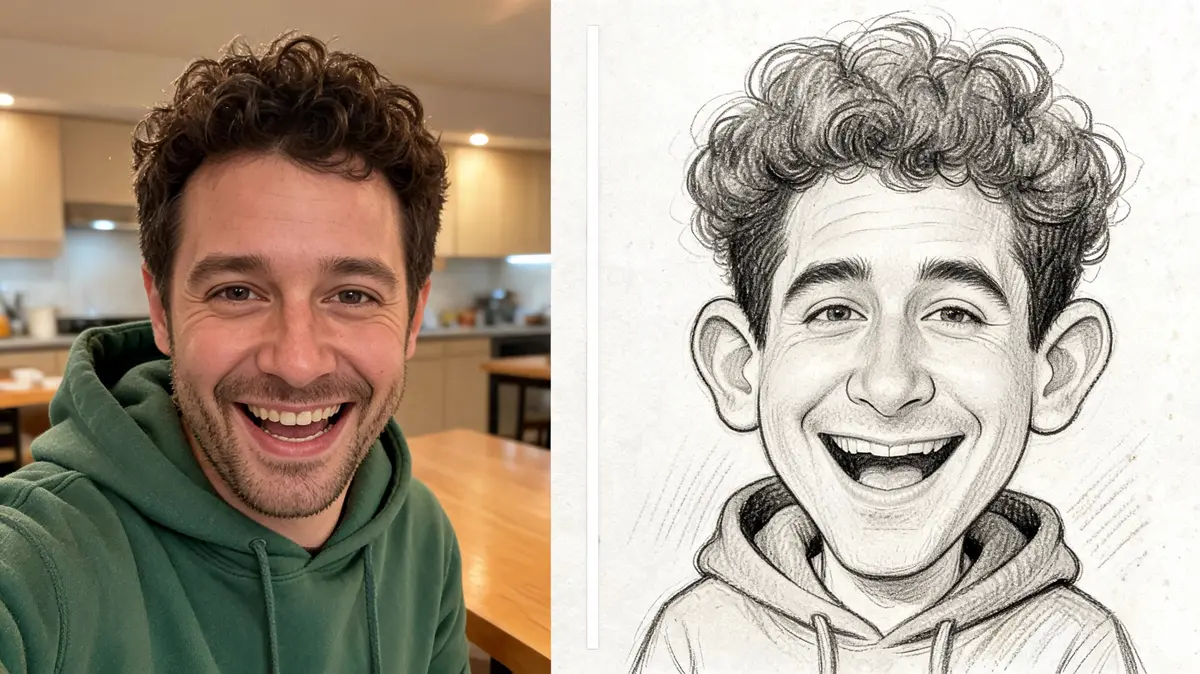
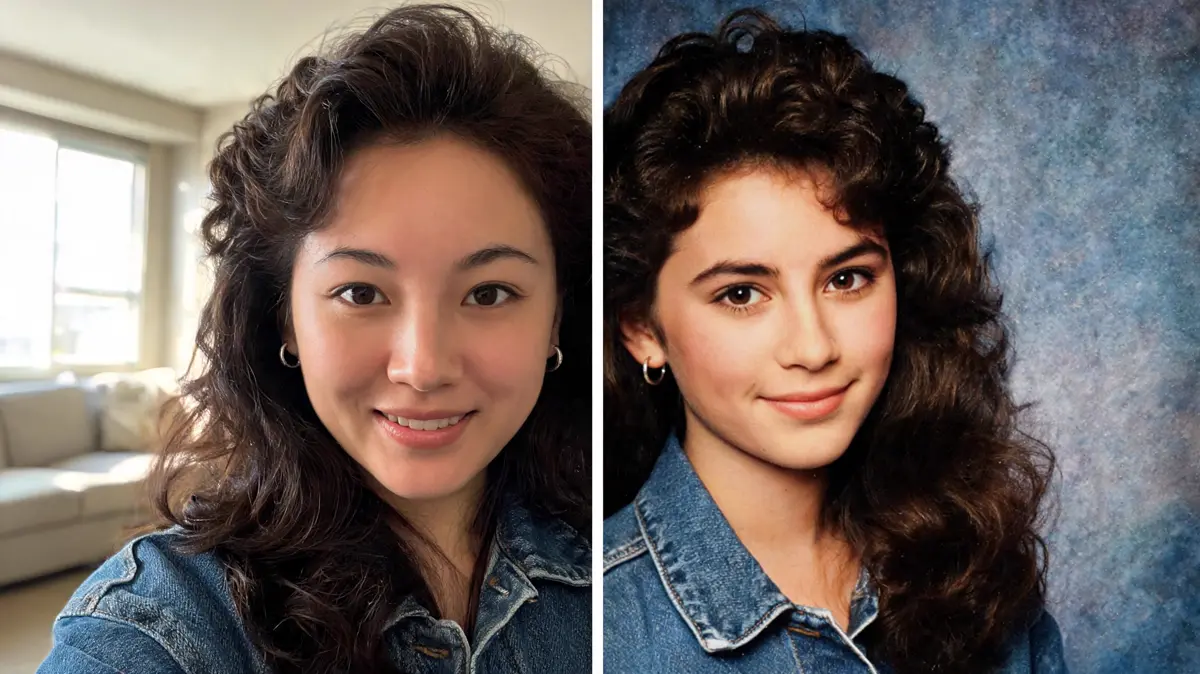
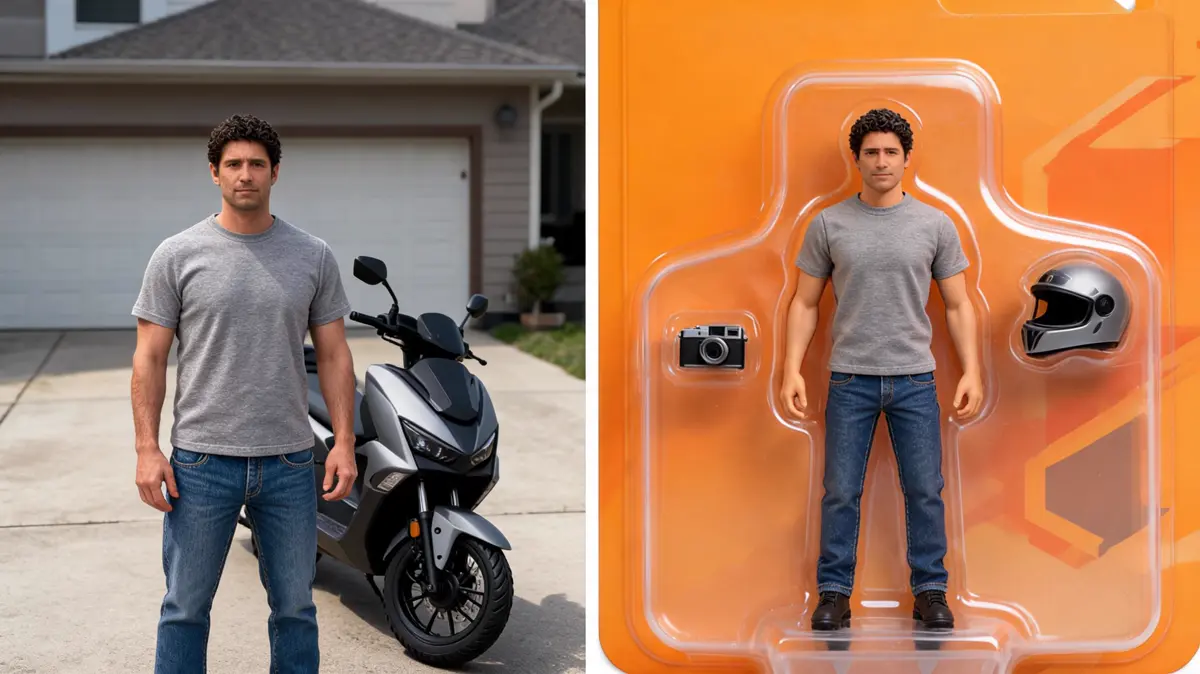
Answers about instant film color, white borders, and retro snapshots. Each one covers a common question about making a polaroid print.
Sharp photos with one or two people and even light give the clearest print. Very dark or blurry photos usually lose detail.
The effect softens and warms the colors on purpose, so the print looks slightly faded. The person and the scene stay the same.
The effect works best with one adult in the frame. Group shots tend to lose detail, so crop to a single person first.
You can browse the page without signing in, but generating needs an account. Each run spends credits and saves the result to your library.
Lovsul does not claim copyright in the images you make, so personal and commercial use are both allowed. Free plan results carry a watermark, while images made during an active paid plan do not.