Image to Image
Start from a still. Lovsul returns a new frame you can keep, or send on into a short shot.
Start creatingStill, sentence, short shot
Start from a photo or one line of text, then keep the frame and add a few seconds of motion.
 1080P
1080P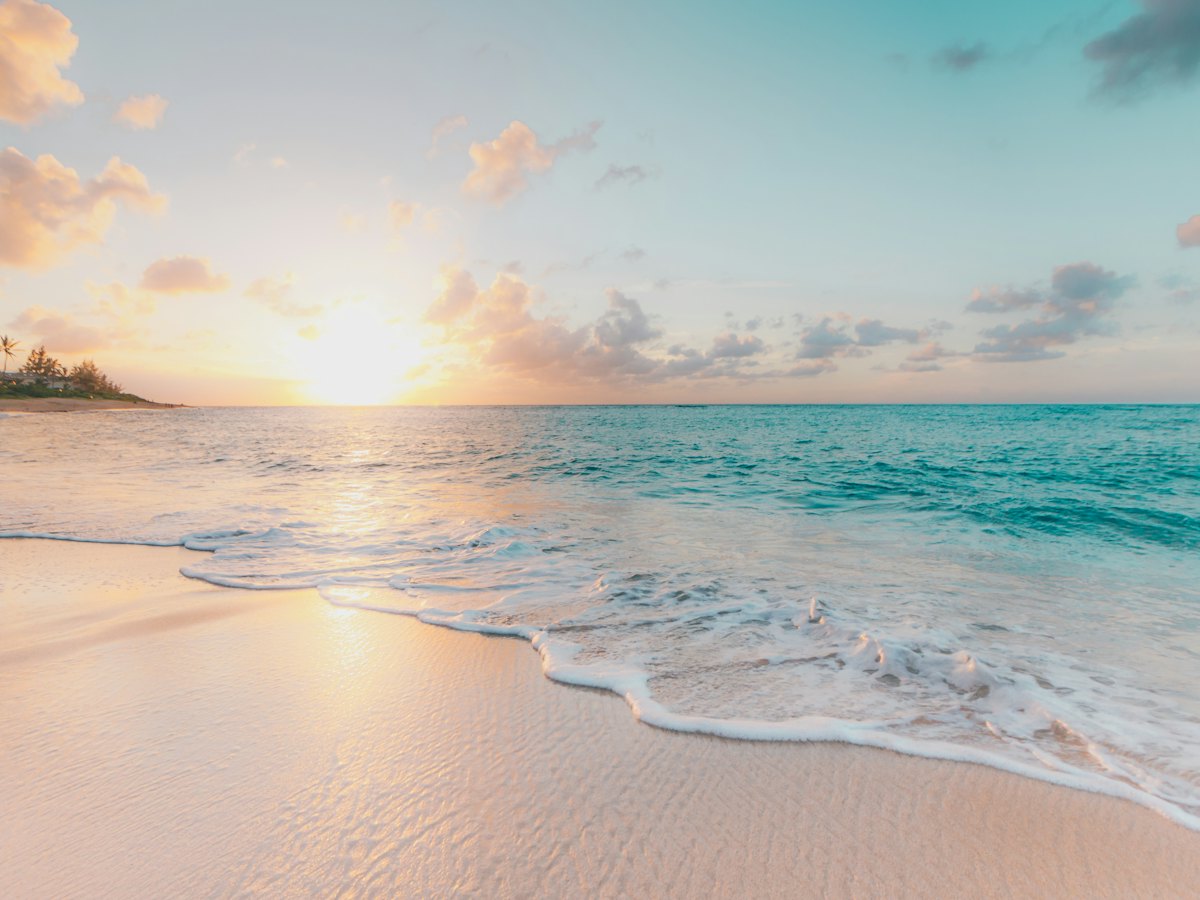
01
Each path ends as a short shot.
Start from a still. Lovsul returns a new frame you can keep, or send on into a short shot.
Start creatingStart from a still. Lovsul keeps that frame and adds a few seconds of camera movement.
Start creating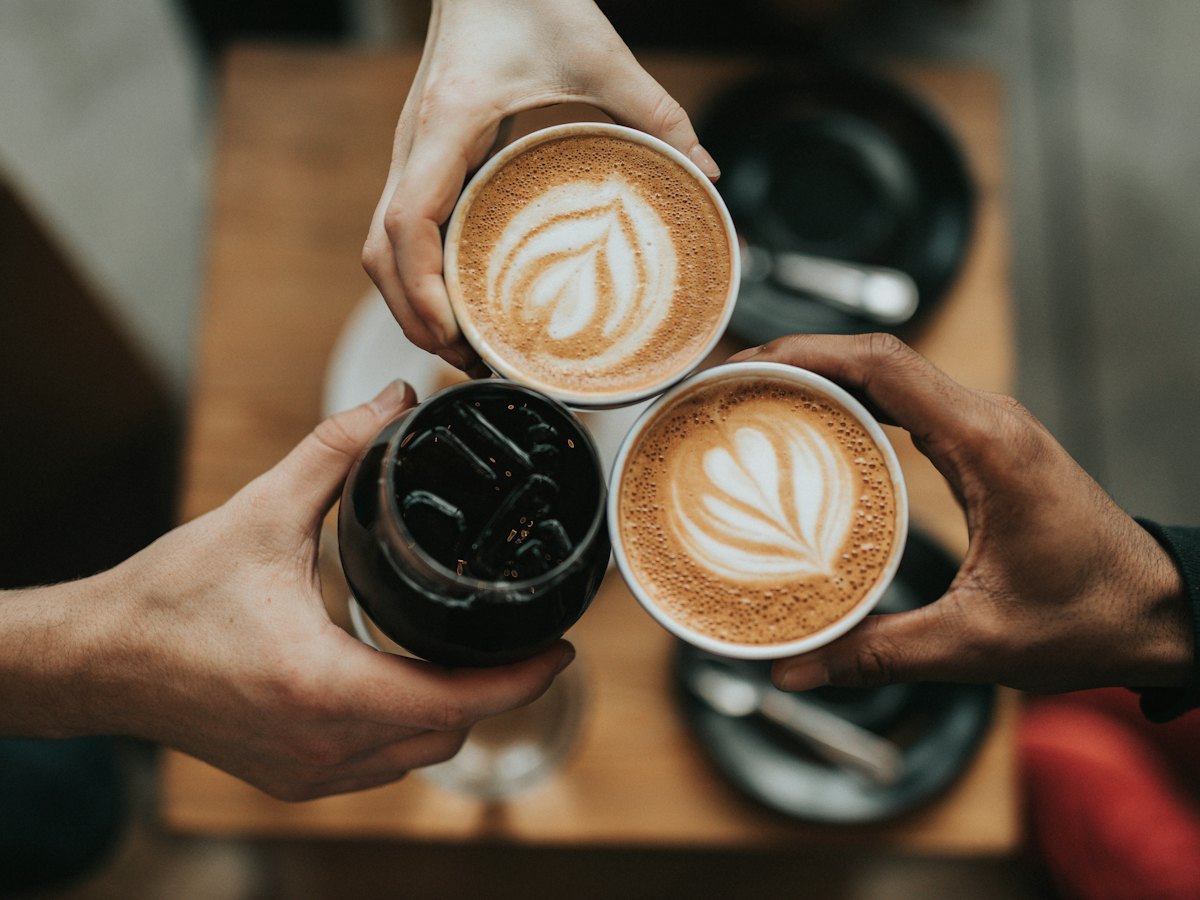
Describe the frame. Lovsul returns one still you can keep, or send on into motion.
Start creatingWrite one sentence. Lovsul turns it into a short shot with a frame, a move, and a length.
Start creating02
Choose a model, set the length and the frame, then generate.
03
A framed still and a few seconds of direction. Open one and the prompt comes with you.
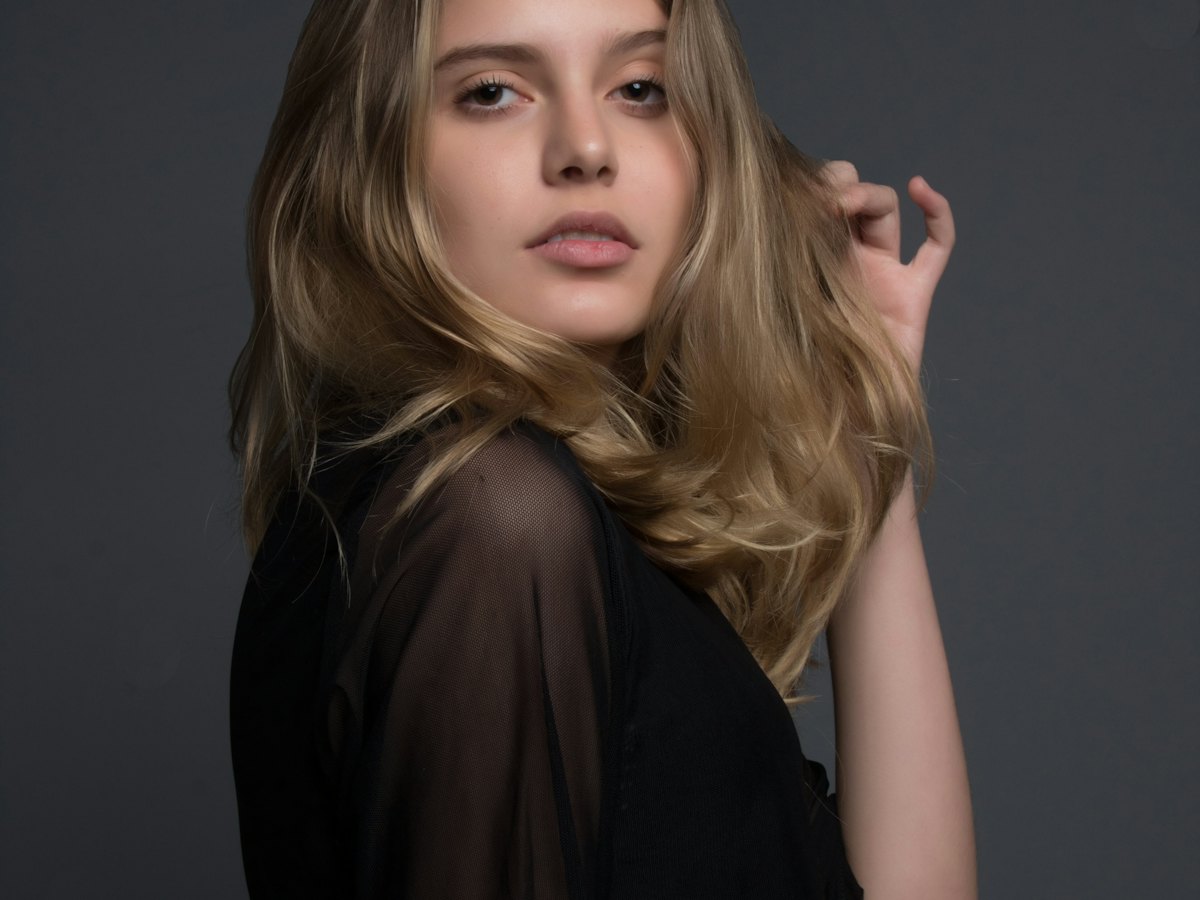
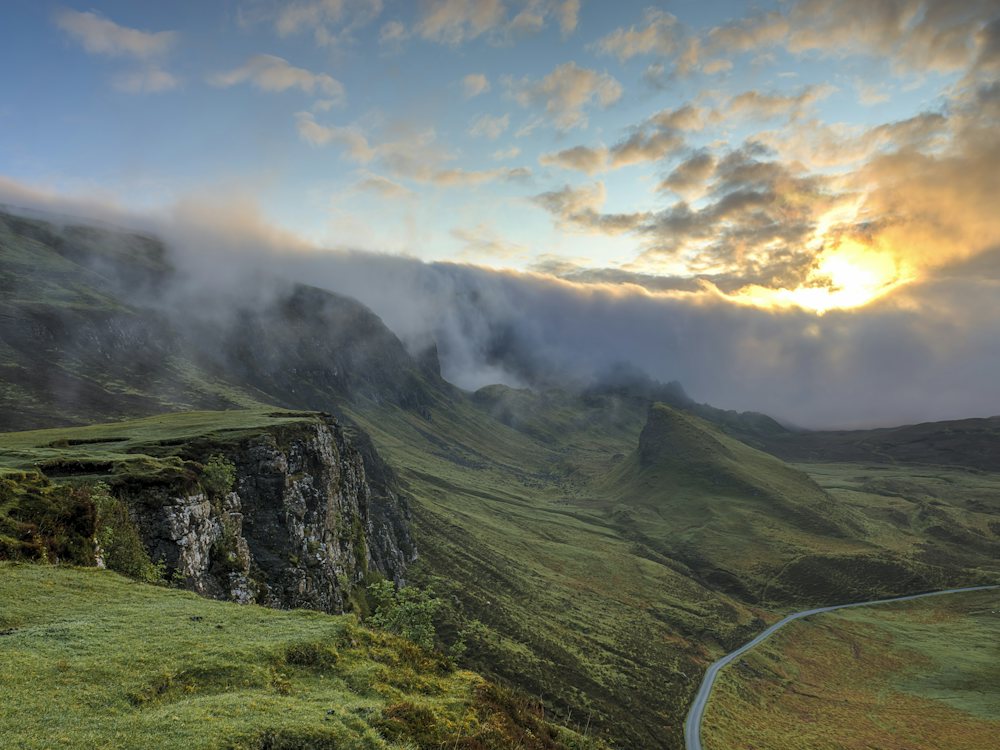
Studio portraitSoft light, from still to motion.Use this shotShore at sunsetLate sun, slow push toward the water.Use this shotHill roadFog on the ridge, slow push along the road.Use this shot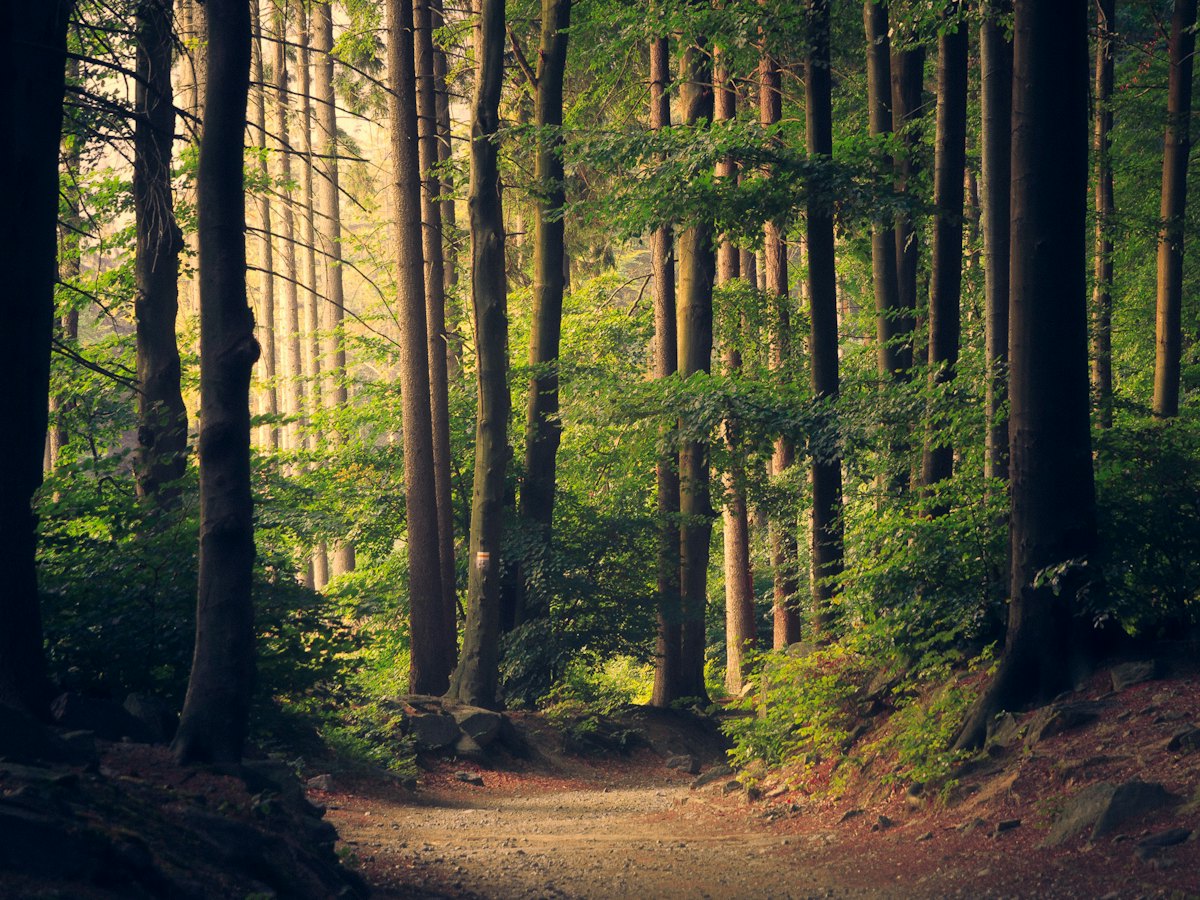 Forest pathSun through the trees, slow tracking shot.Use this shotSoft portraitGrey backdrop, one quiet frame.Use this shotCoffee tableOverhead, three cups, one framed still.Use this shot
05
A short shot from a still or from one sentence. The still can also stay a still.
Open image to video, upload one still, and write the move. Lovsul keeps that frame and adds a few seconds of motion.
Open text to video and write the sentence. Lovsul turns it into a short shot with a frame, a move, and a length.
Yes. Text to image starts from a sentence. Image to image starts from a still and returns a new frame. Either frame can go on into image to video.
It stays in your library. The public address opens the file already stored for Lovsul.
Start from a photo or one line of text, then keep the frame and add a few seconds of motion.