A One-Click Photo Effect
A one-click photo effect starts from a picture you already have and finishes when you press Generate. That page has no prompt box and no model list to open.
Turn one photo into a finished picture with AI photo effects on Lovsul. Choose a preset, upload the photo, and press Generate.
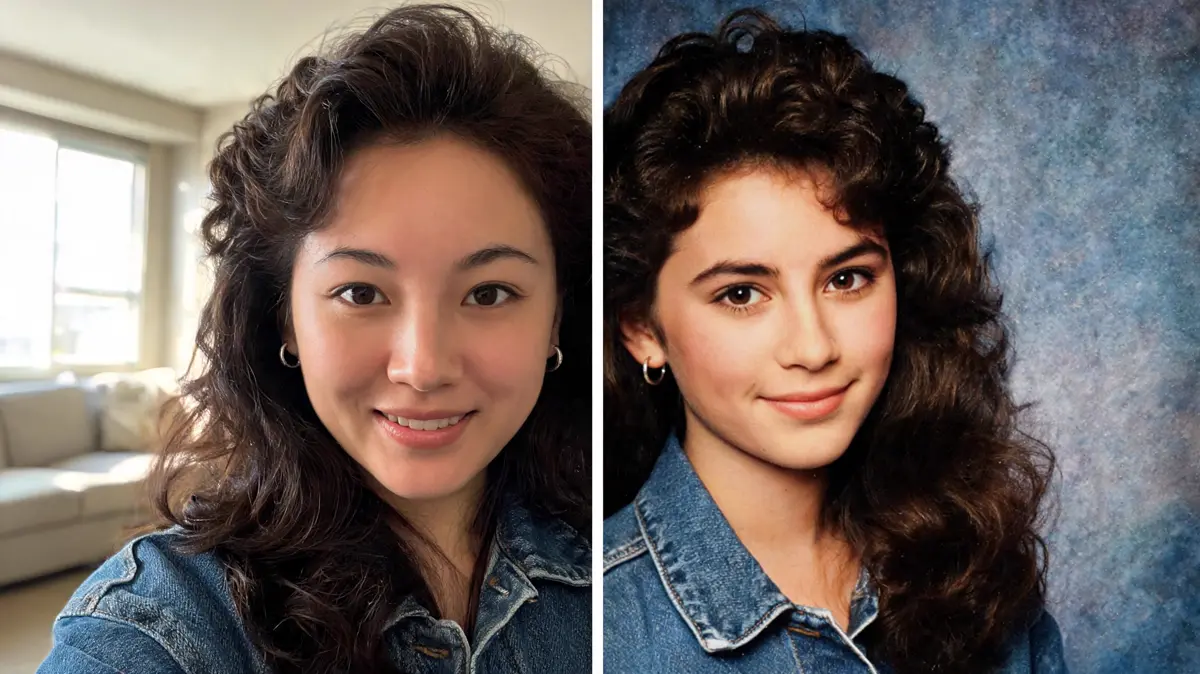
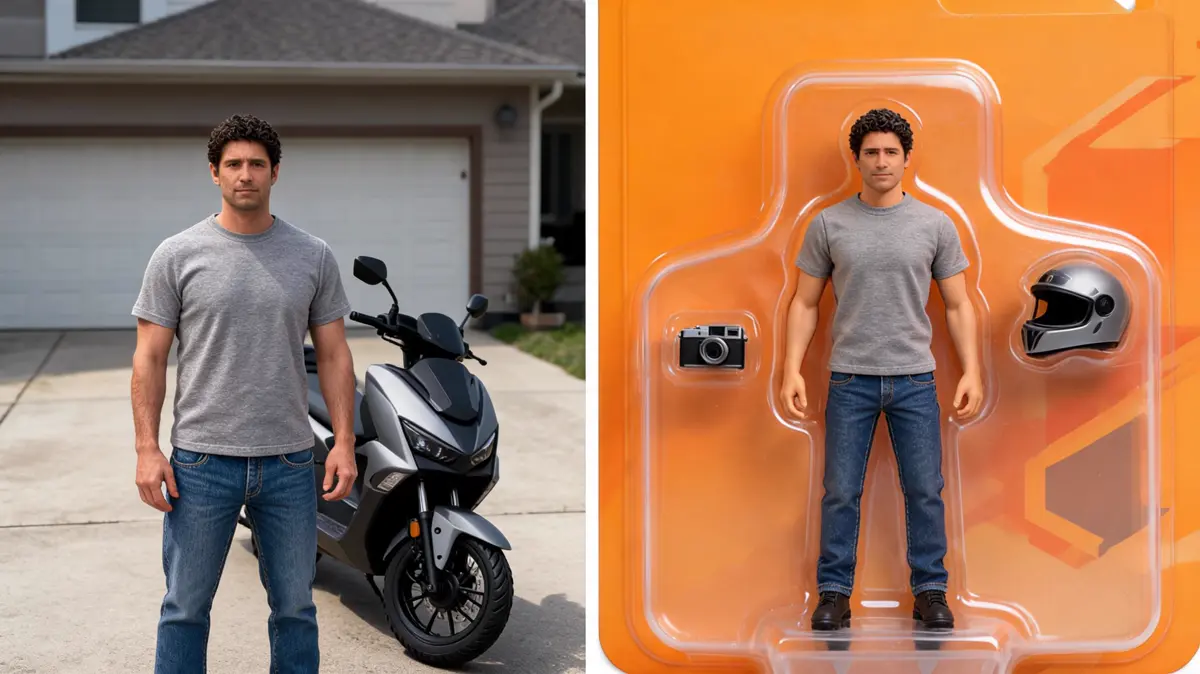
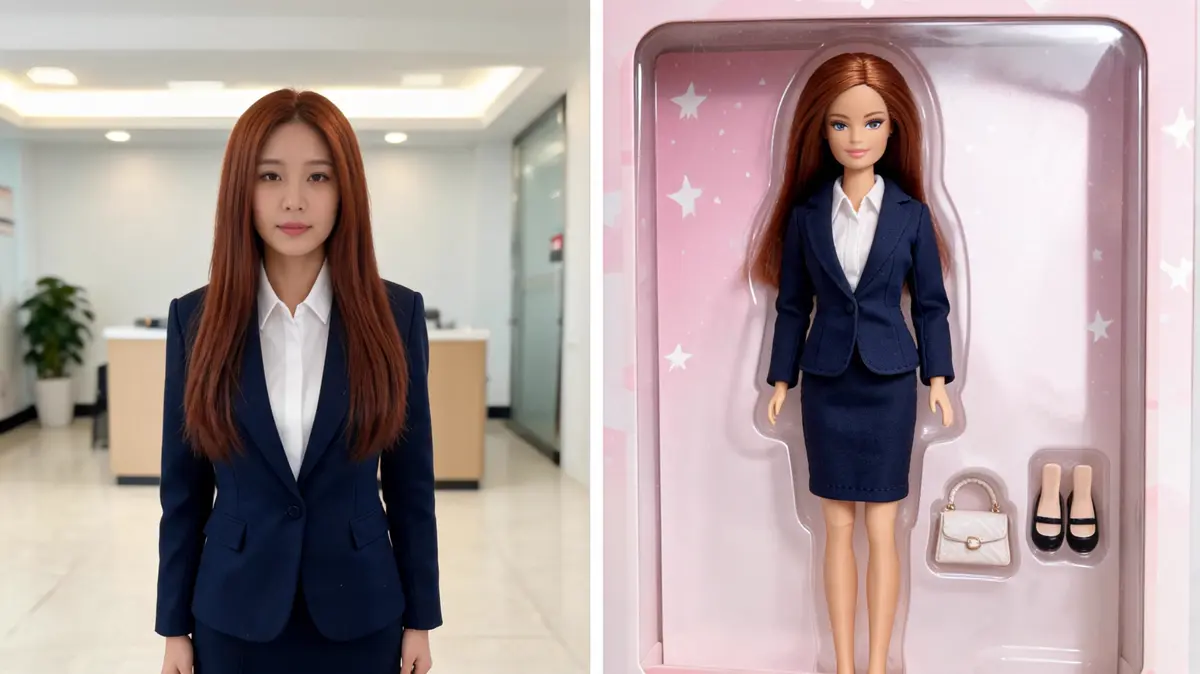
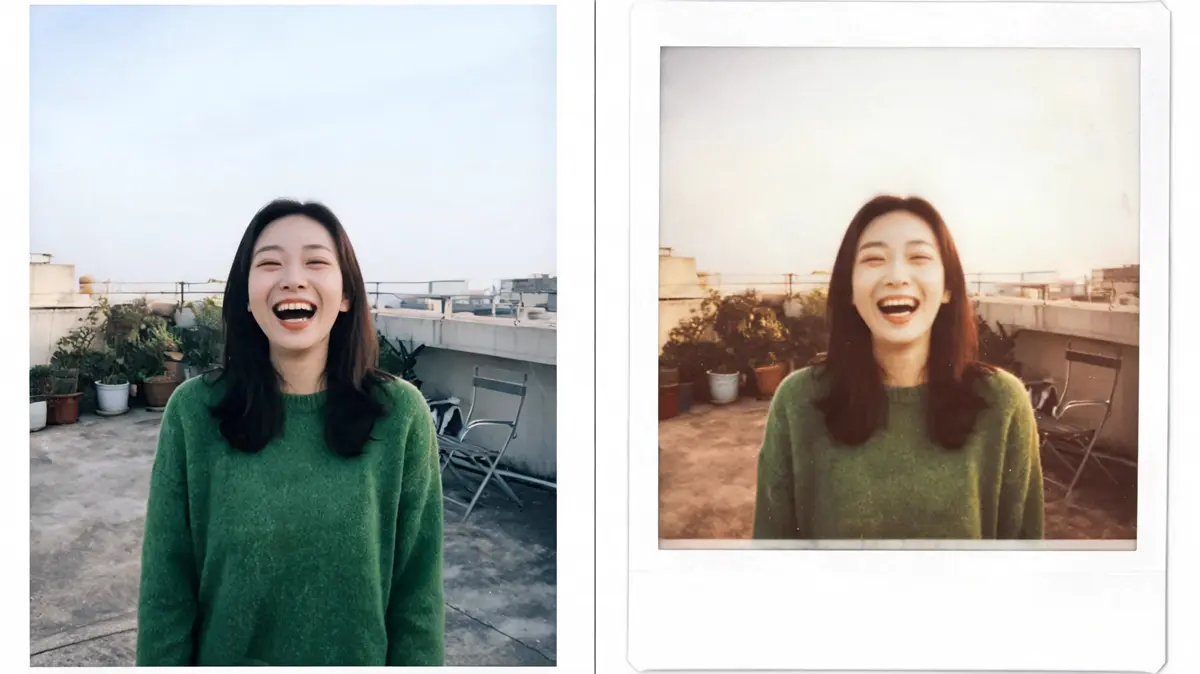
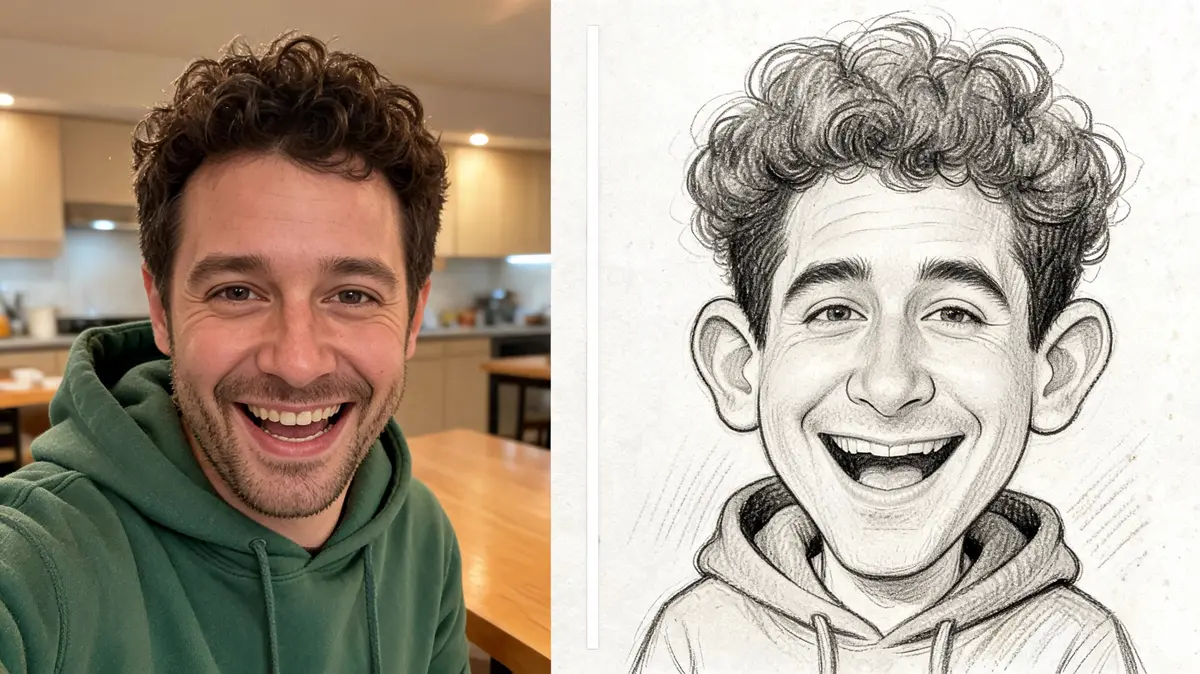
AI photo effects apply one preset look to a single photo, so you upload a picture and press Generate. Each preset has its own page, and the style and settings are already chosen.
A one-click photo effect starts from a picture you already have and finishes when you press Generate. That page has no prompt box and no model list to open.
A trending photo effect is a look people are making right now, and the cards at the top of this list are those looks. Open one card, add a clear photo, and the preset does the rest.
You can turn one photo into a portrait, a retro print, a packaged figure, or a drawn face. Open the card that matches the look you want, then upload the photo and press Generate.
Yes, each preset is its own page, so the same photo can go through several looks. The original stays put, and every result is saved as a new file in your library.
You can browse every preset without an account. Generating spends credits and needs a signed-in account, and the finished picture is saved to your library.
A preset page has no prompt box and no model picker, because the look is already fixed. A creation tool is where you describe a change in your own words and choose the model.