 01
Redraw this photo as a playful caricature with a bigger smile and a larger head, same face.
01Redraw this photo as a playful caricature with a bigger smile and a larger head, same face.
 02
Turn her into a cheerful caricature with a wider smile and bigger earrings.
 03
Make him a funny caricature with a bolder mustache and a playful raised eyebrow.
 04
Turn her into a friendly caricature with bigger glasses and bold freckles.
 05
Make him a jolly caricature with a huge grin and a fuller beard.
 06
Turn her into a stylish caricature with a larger head and a confident smile.
Turn one photo into a playful, exaggerated portrait with AI caricature on Lovsul. Upload a photo, press Generate, and download the funny result.
AI caricature redraws one photo as a playful portrait with exaggerated features, such as a bigger smile or a larger head. The effect is preset, so you only upload a photo and press Generate.
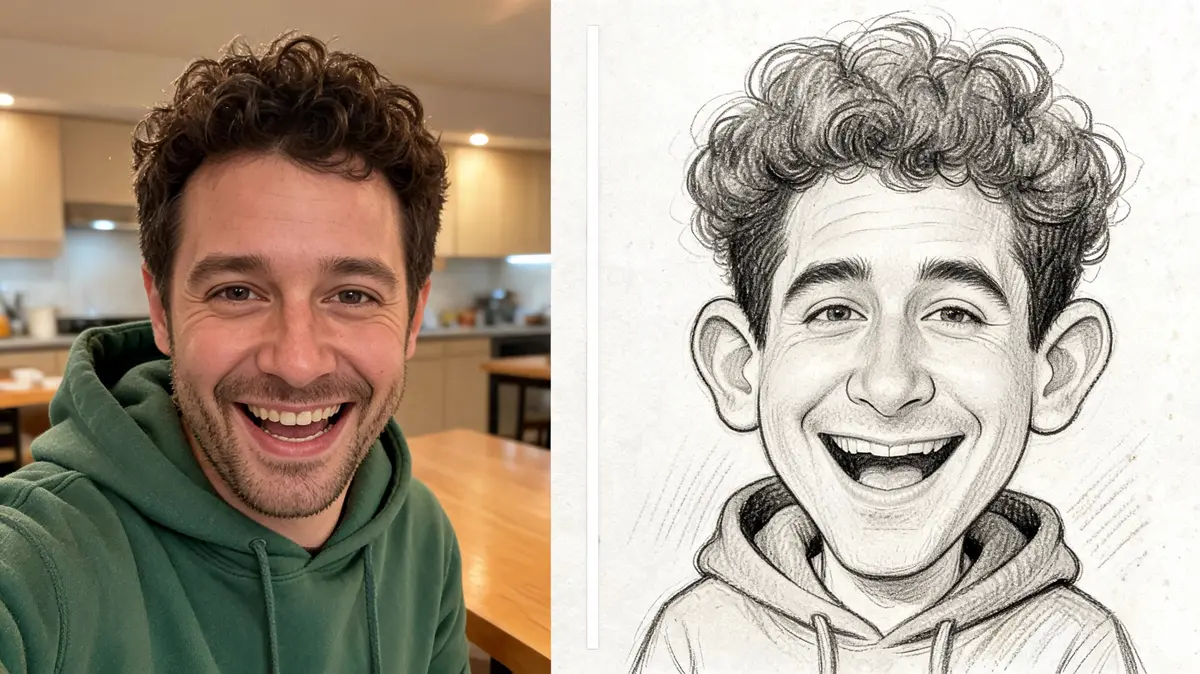
The preset enlarges the most distinctive parts of a face, such as the smile, the brows, or the hairstyle. You still see yourself, only funnier and more expressive.
The look stays warm and cheerful, with clean lines and rich color on a simple backdrop. It is made for sharing, not for teasing.
Generate saves the portrait as a new file in your library. Your original photo stays untouched, so you can compare the two.
You need one clear photo and one click. The steps below take you from upload to download.
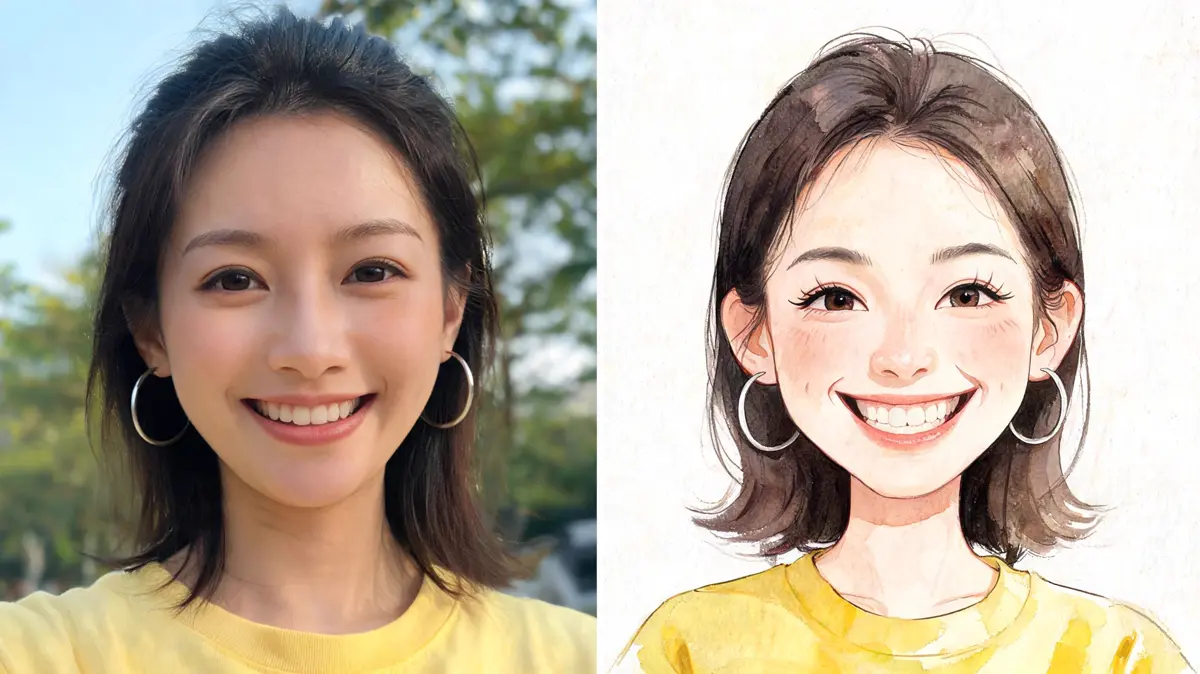
A head-and-shoulders photo with a big smile or a laugh gives the preset the most to work with. Even light helps the features stay easy to read.
Upload it, drag it in, paste a link, or pick it from your library. Browsing is open to everyone, but generating needs a signed-in account.
One click redraws your photo and uses credits from your balance. The finished portrait is saved to your library as a new file.
Open the result in your library and download it. Run the photo again if you want another take on the exaggeration.
One photo can become a funny avatar, a gift, or a party picture. These are the uses people ask for most.
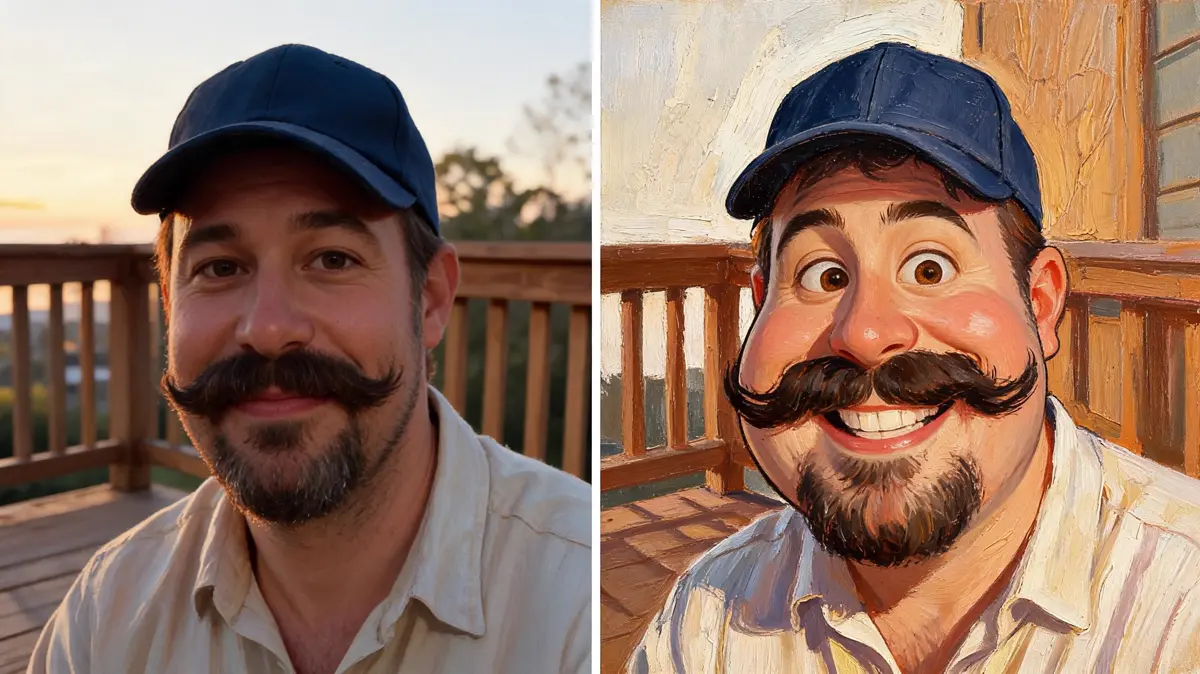
A cheerful exaggerated portrait stands out in a crowded feed. It works well for chat apps, forums, and gaming profiles.
Turn a loved one's photo into a portrait for a card or a printed gift. It feels personal and gets a laugh without any drawing skills.
Make a portrait of each guest for a table display or a photo wall. Everyone enjoys spotting their own big smile.
Create a matching set of portraits for a team page or a club event. The shared style ties different people together.
Most people want a funny, personal picture that is easy to share. These groups use the caricature look the most.
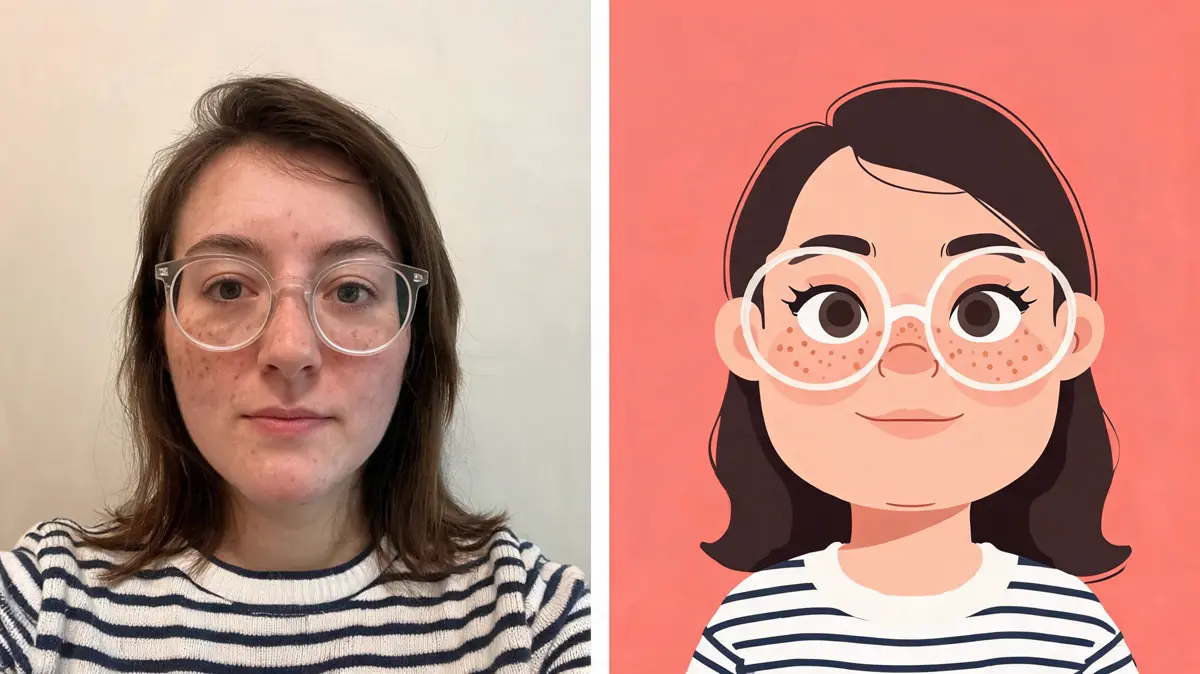
Friends and relatives turn a favorite snapshot into a joke portrait for a chat. Everyone recognizes the person right away.
Gift givers make a portrait of a friend, a partner, or a coworker for a birthday or a farewell. It turns an ordinary photo into a present people keep.
Creators use a portrait of themselves as a consistent avatar for videos and posts. The exaggerated style is easy to remember.
Hosts and managers add portraits to invitations, name cards, and team pages. It makes a group feel connected with very little work.
Lovsul keeps the whole effect to one upload and one click, and the finished portrait waits in your library. You do not need any drawing skills to get a clean, playful result.
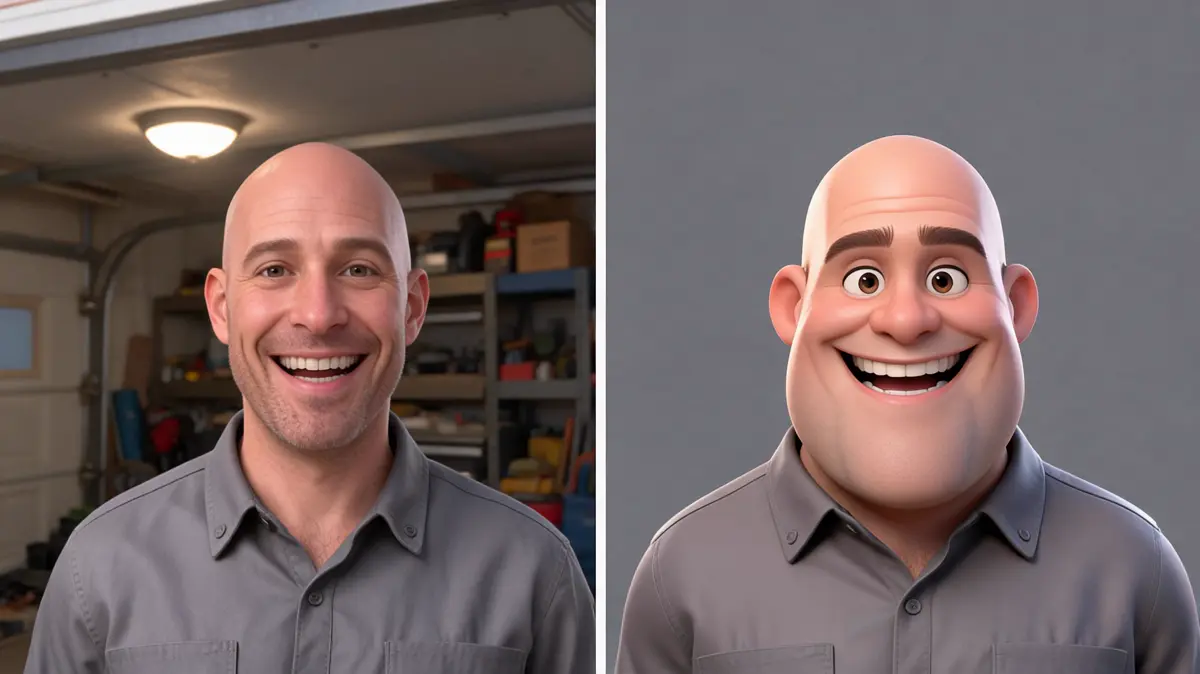
The linework, the color, and the level of exaggeration are set for you, so every run aims at the same cheerful feel. Different photos give different portraits, but the style stays consistent.
The effect is set to keep the same person from your photo, with the same hairstyle, skin tone, and clothing. Only the proportions and the drawing style change.
Every result is stored as its own file in your library. You can download it later after signing in.
Answers about exaggerated portraits, funny avatars, and what stays recognizable. Each one covers a common question about making a caricature.
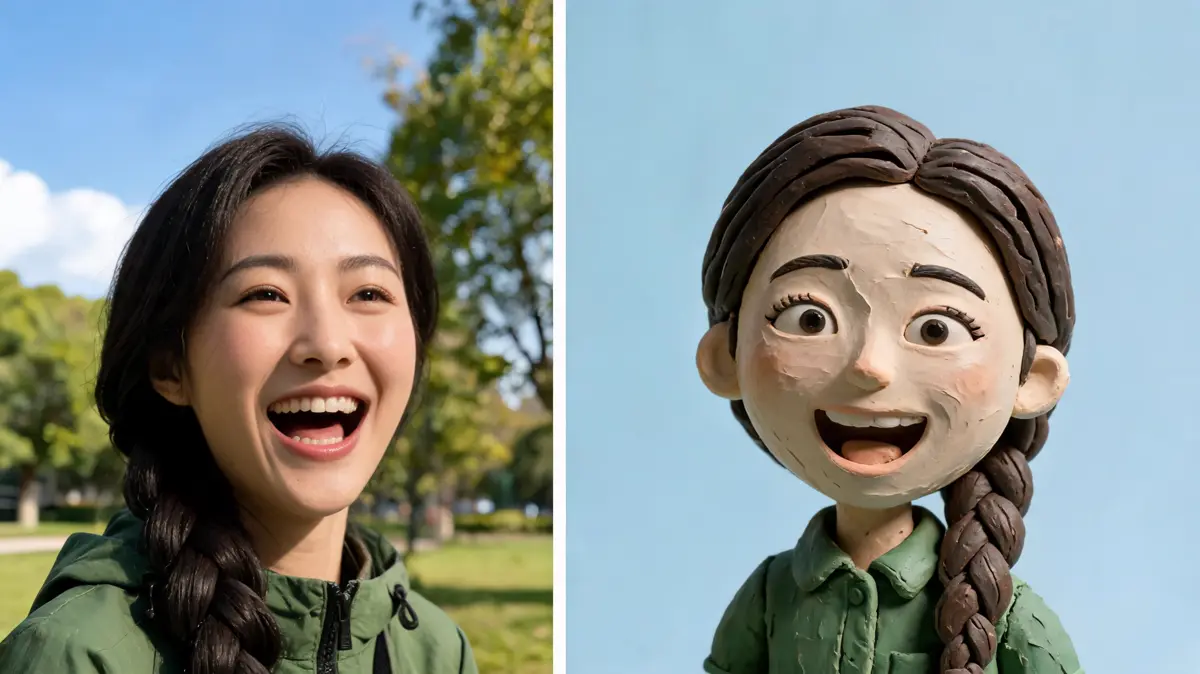
Sharp, close photos of one adult with a clear expression give the best portrait. Dark, blurry, or distant photos often lose detail.
The effect is set to keep you recognizable, so the exaggeration stays friendly. Your hairstyle, skin tone, and clothing carry over from the photo.
The effect works best with one adult in the frame. Group shots tend to lose detail, so crop to a single person first.
You can browse the page without signing in, but generating needs an account. Each run spends credits and saves the result to your library.
Lovsul does not claim copyright in the images you make, so personal and commercial use are both allowed. Free plan results carry a watermark, while images made during an active paid plan do not.