 01
Turn this photo into an anime portrait with soft pastel colors and falling autumn leaves.
01Turn this photo into an anime portrait with soft pastel colors and falling autumn leaves.
 02
Redraw this cat as an anime pet with big sparkling eyes under a starry night sky.
 03
Make the two of us into anime characters on an adventure, with bold outlines and vivid colors.
 04
Turn him into a black and white manga panel with ink lines and screentone shading.
 05
Turn this view into an anime background with glowing clouds and warm summer light.
 06
Make her a chibi anime figure with a big head, a tiny body, and a cozy sweater.
Turn a selfie, a pet, or a trip photo into anime art with AI photo to anime on Lovsul. Add a photo, describe the style, and download the anime image.
AI photo to anime redraws a real photo as an anime illustration from a short prompt. The person, pet, or place stays recognizable, while lines, colors, and shading take on a hand-drawn anime look.
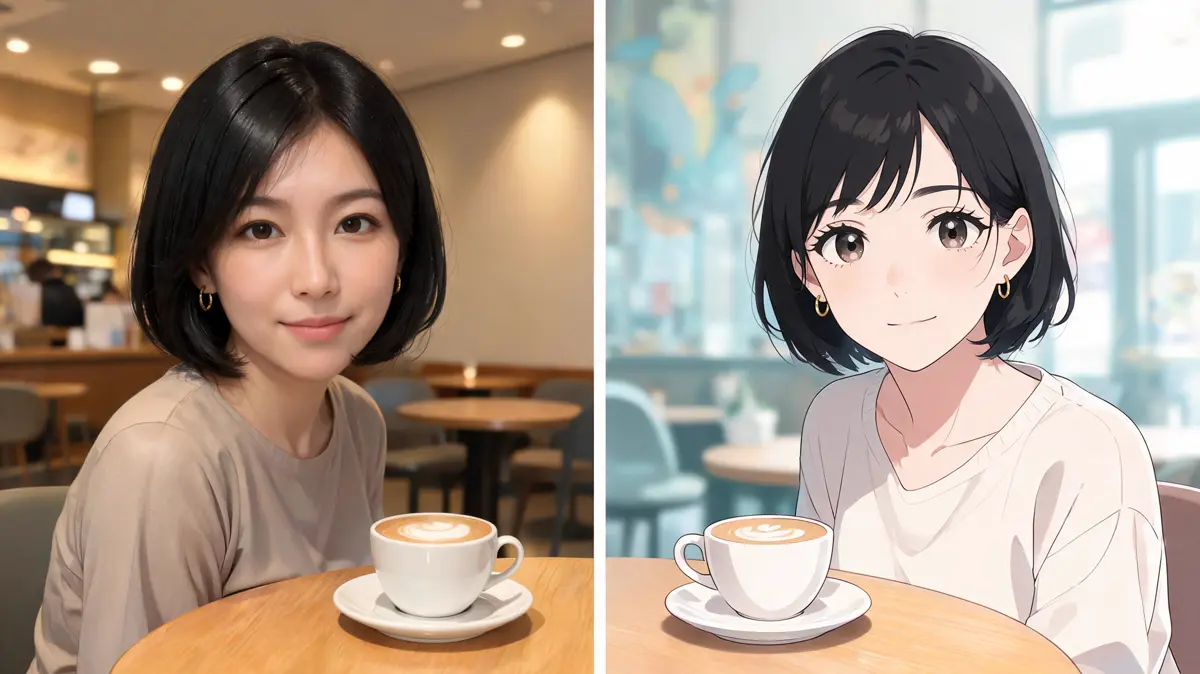
An anime filter applies the same fixed effect to every picture. Here you write the look you want, such as soft pastel colors or bold outlines, and the model redraws the photo to match.
Selfies and portraits are the most common start, but pets, couples, and landscapes convert well too. Clear shapes and good light give the cleanest anime version.
Generate saves the anime picture as a new file in your library. Your original photo is left untouched, so you can compare the two side by side.
You need one photo and one sentence about the anime look you want. The four steps below cover the whole flow from upload to download.
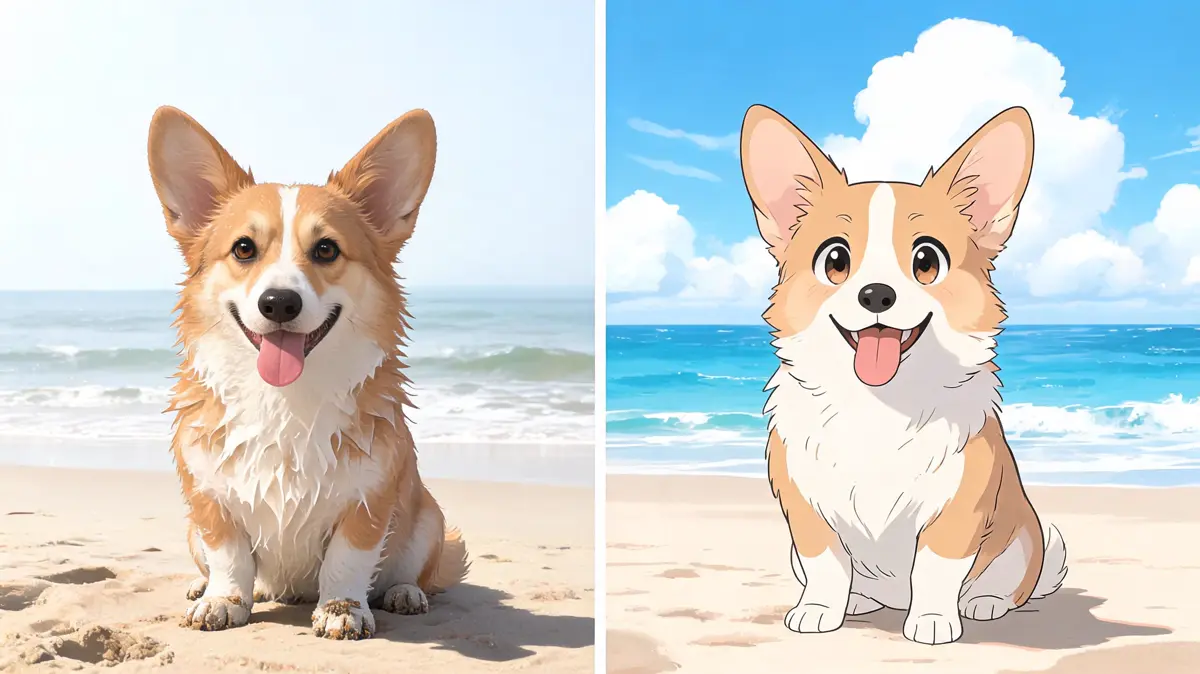
A close portrait or a single pet fills the frame and gives the face plenty of detail. Upload it, drag it in, paste a link, or pick it from your library.
Name the style and a few details, for example anime portrait with soft cel shading and a painted sky. Words about line weight, eye size, and color palette push the look in clear directions.
Select an image model in the picker and set its options, such as aspect ratio. A square ratio suits a profile picture, while a wide one keeps more of a landscape.
Press Generate to spend credits and save the result to your library. Download it from there, or run the prompt again with a different style word.
The same photo can become a classic anime portrait, a black and white manga panel, or a cute chibi figure. These are the results people ask for most.
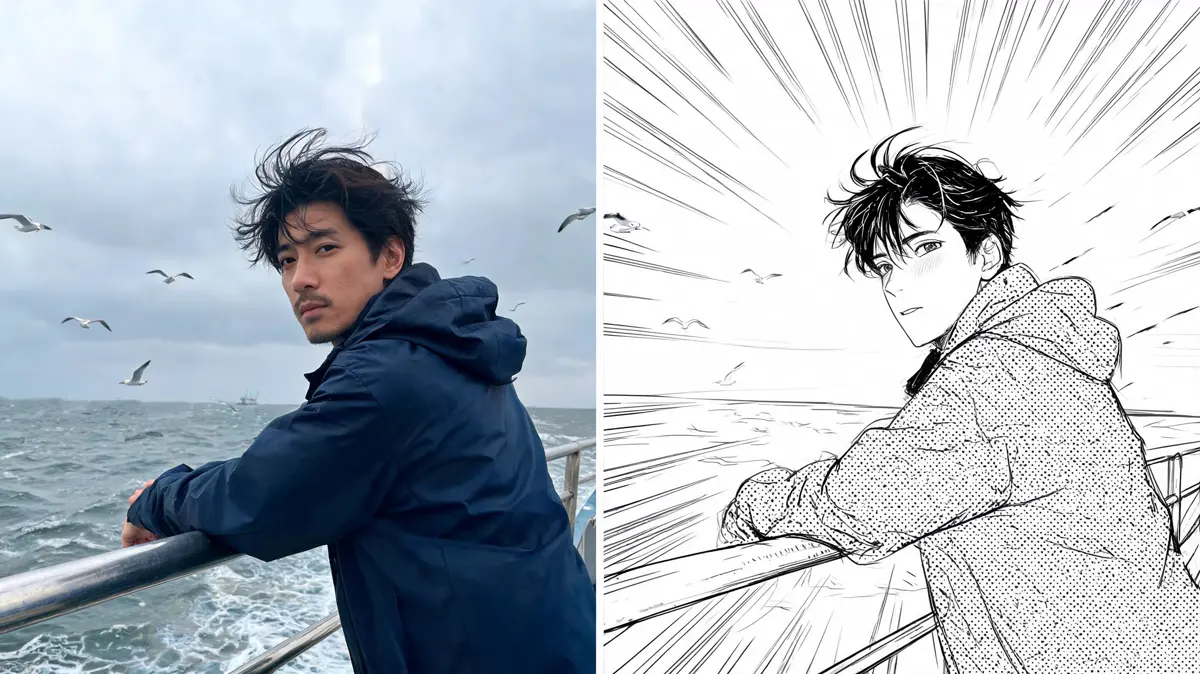
Turn a selfie into a clean anime portrait for a profile picture or a gaming avatar. A plain background in the prompt keeps the face as the focus.
Ask for ink lines and screentone shading to get a manga panel look. It suits comic strips, stickers, and posts that need a bold graphic feel.
Request a chibi figure with a big head and a small body, or a glossy 3D anime toy. These cute versions work well for couples and pets.
A lake, a village, or a mountain view can become a painted anime background with soft clouds. Travel photos make good phone wallpapers this way.
Most people want a fun or personal version of a photo they already love. These are the groups that use photo to anime the most.
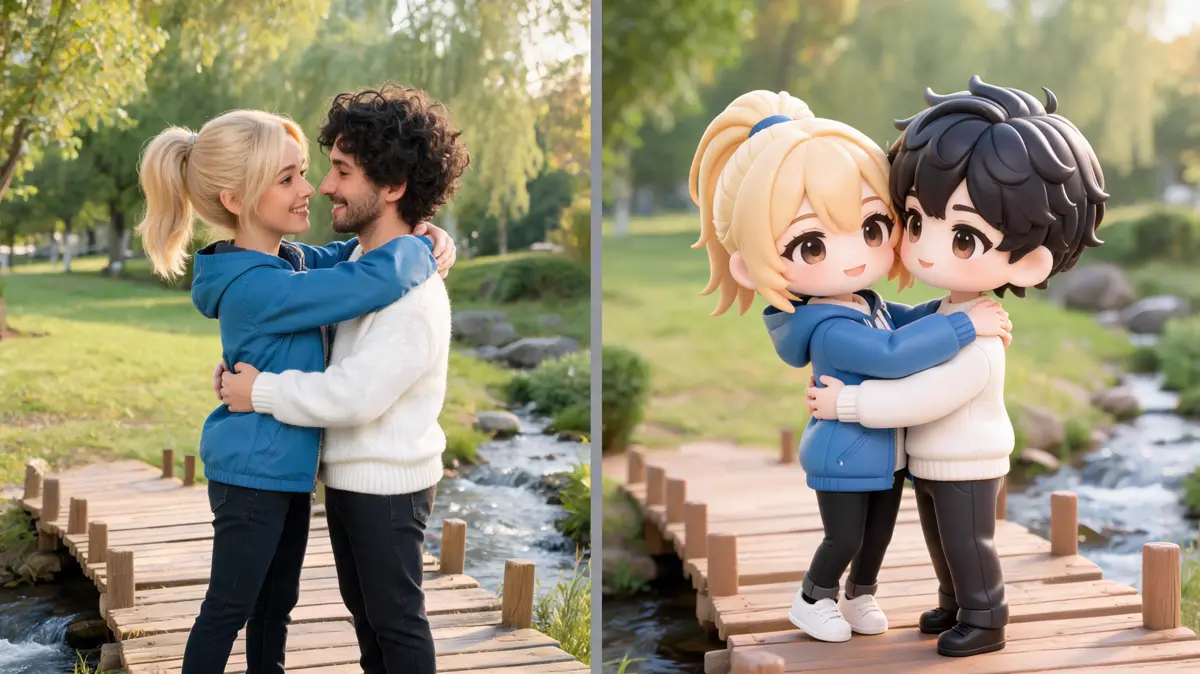
Fans see how they would look as an anime hero and try a few styles on the same selfie. It is a popular way to make a new profile picture.
A dog or cat photo becomes an anime companion with big shiny eyes. People use it for gifts, phone backgrounds, and prints.
Two people in one photo can be redrawn together as anime characters. It makes a personal card or a matching pair of avatars.
Creators turn behind-the-scenes photos into anime frames to change the pace of a feed. A short series in one style reads like a comic.
Lovsul lets you write the exact anime look instead of choosing from a fixed list of filters. The results stay in your library, ready to download whenever you need them.
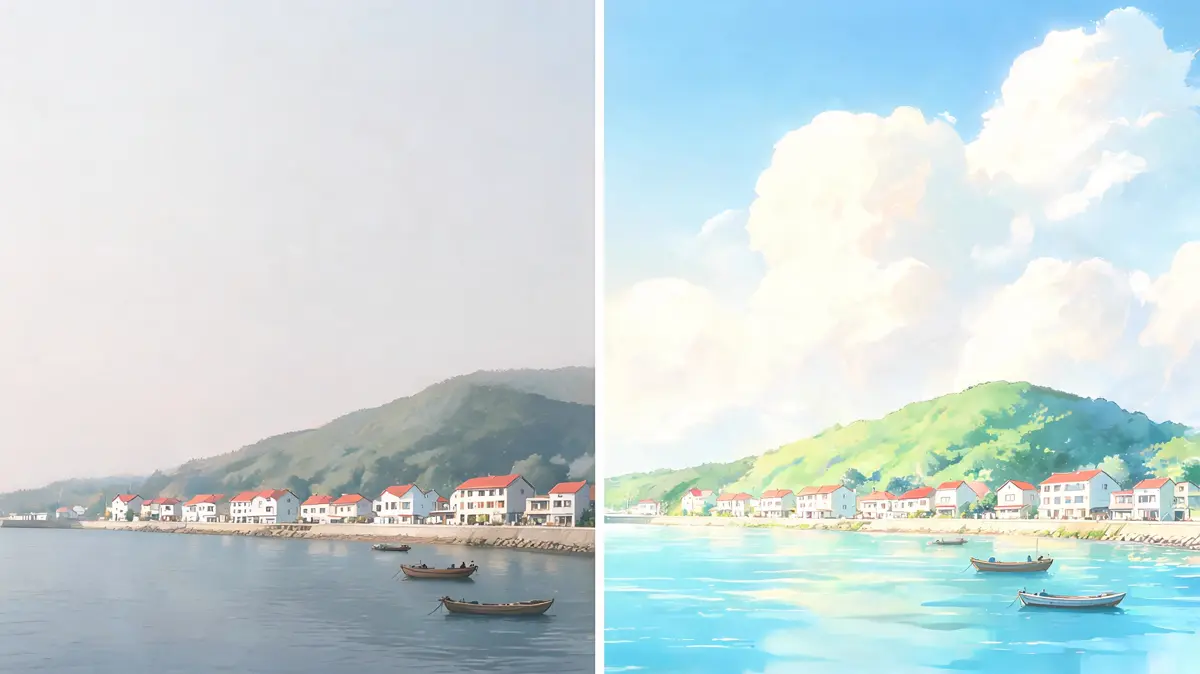
Ask for soft pastel colors, bold action lines, or a quiet watercolor anime look in plain language. Changing one word in the prompt gives a clearly different version.
Some models keep faces closer to the photo, while others lean further into the drawn look. Try the same photo on two models to see which one you prefer.
An anime result in your library can become the opening frame of a short video in image to video. It is an easy next step for a moving avatar or a post.
Answers about photos, prompts, and how anime results are kept. Each one covers one common question about turning a photo into anime.
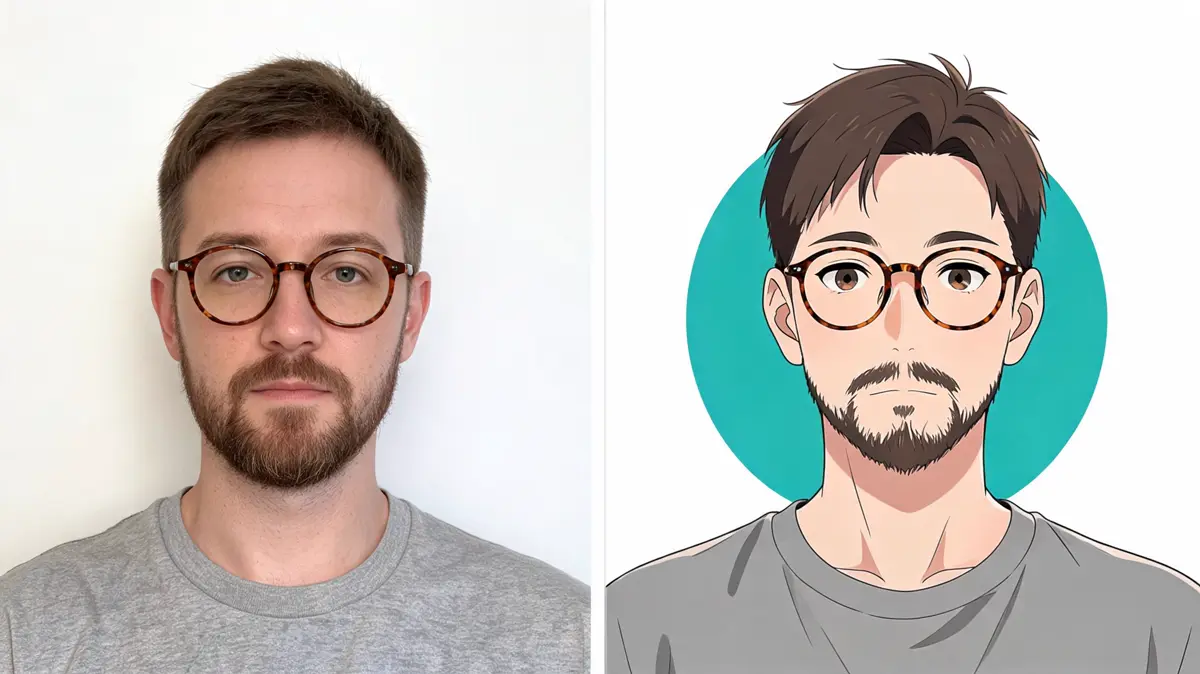
Sharp photos with one or two faces and even light give the clearest anime version. Very dark, blurry, or crowded photos usually lose detail.
Start with the style and add two or three details, such as anime portrait, bold outlines, and warm sunset colors. Describe the look you want rather than describing the photo again.
Not quite, since a filter adds one fixed effect while a prompt lets you choose the style each time. You can ask for manga, chibi, or a soft pastel look from the same photo.
Yes, photos with two or three people work well when every face is clear. Larger groups can lose detail, so crop to the people who matter most first.
Lovsul does not claim copyright in the images you make, so personal and commercial use are both allowed. Free plan results carry a watermark, while images made during an active paid plan do not.