 01
Make her a fashion doll in a window box with a pastel backdrop and a matching handbag.
01Make her a fashion doll in a window box with a pastel backdrop and a matching handbag.
 02
Turn her into a boxed fashion doll with a sunny backdrop and tiny boots.
 03
Turn him into a collectible doll in a window box with a tiny briefcase.
 04
Make her a fashion doll in a window box with a pink backdrop and small accessories.
 05
Turn her into a sporty doll in a window box with a tiny mat and bottle.
 06
Make him a vacation doll in a window box with a tiny straw bag.
Turn one photo into a fashion doll in a window box with AI doll box on Lovsul. Upload a photo, press Generate, and download the boxed doll picture.
AI doll box restyles one photo as a fashion doll displayed in a cardboard box with a clear window, a colorful backdrop, and a few small accessories. The effect is preset, so you only upload a photo and press Generate.
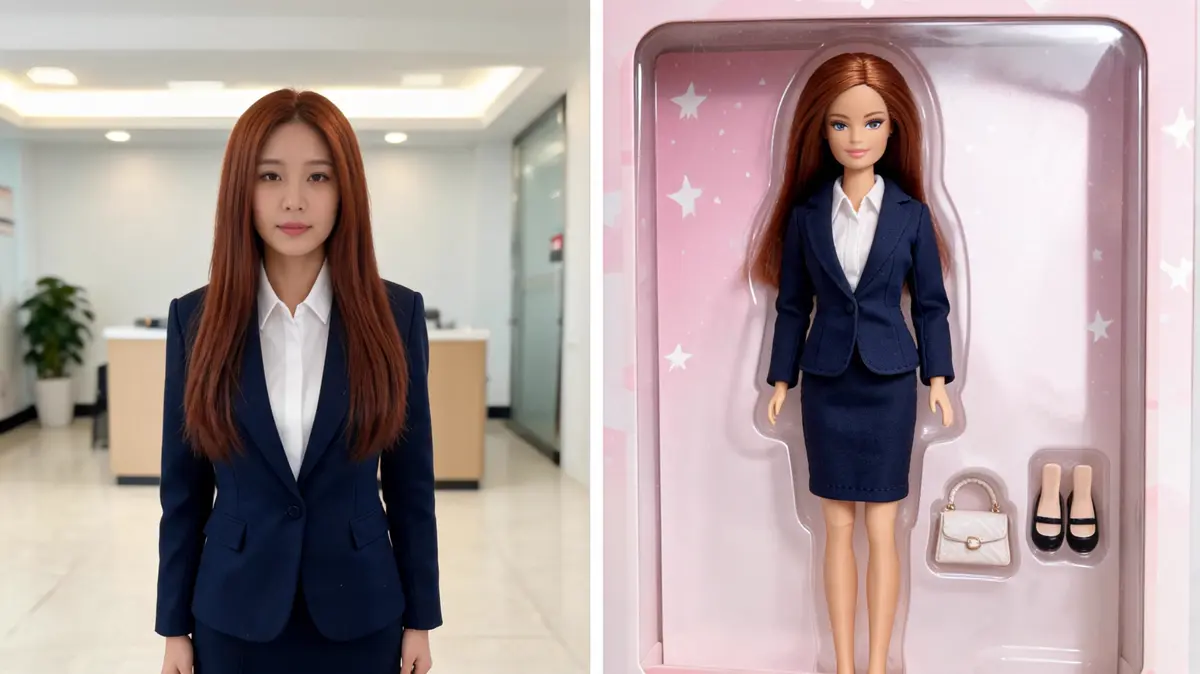
The doll keeps your face, hairstyle, and outfit colors in a glossy, stylish doll form. It stands in a secure tray like a collectible on a shop shelf.
The preset adds a window box, a pastel backdrop, and a few extras such as a handbag, shoes, or sunglasses. Each one is chosen to suit the person in your photo.
Generate saves the boxed doll as a new file in your library. Your original photo stays untouched, so you can compare the two.
You need one clear photo and one click. The steps below take you from upload to download.
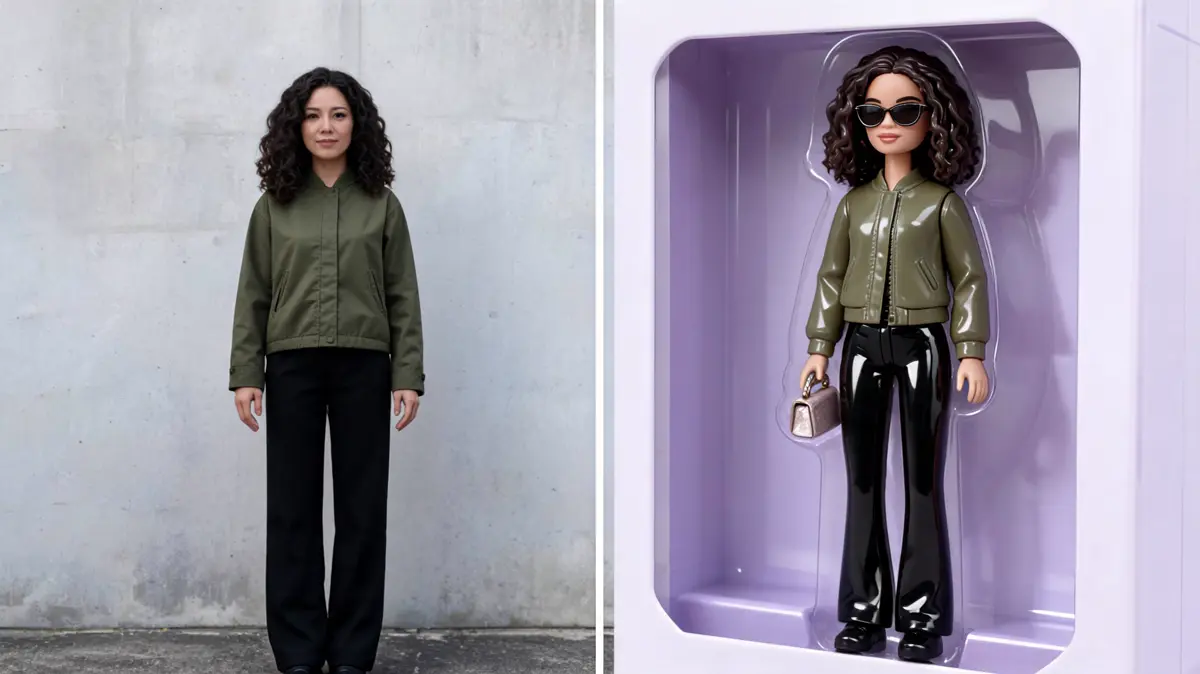
A full-body or waist-up photo gives the doll a clear look to copy. Stand in even light so the colors stay easy to read.
Upload it, drag it in, paste a link, or pick it from your library. Browsing is open to everyone, but generating needs a signed-in account.
One click builds the boxed doll and uses credits from your balance. The result is saved to your library as a new file.
Open the result in your library and download it. Run the photo again if you want another take on the backdrop and accessories.
One photo can become a social post, a gift idea, or a party decoration. These are the uses people ask for most.
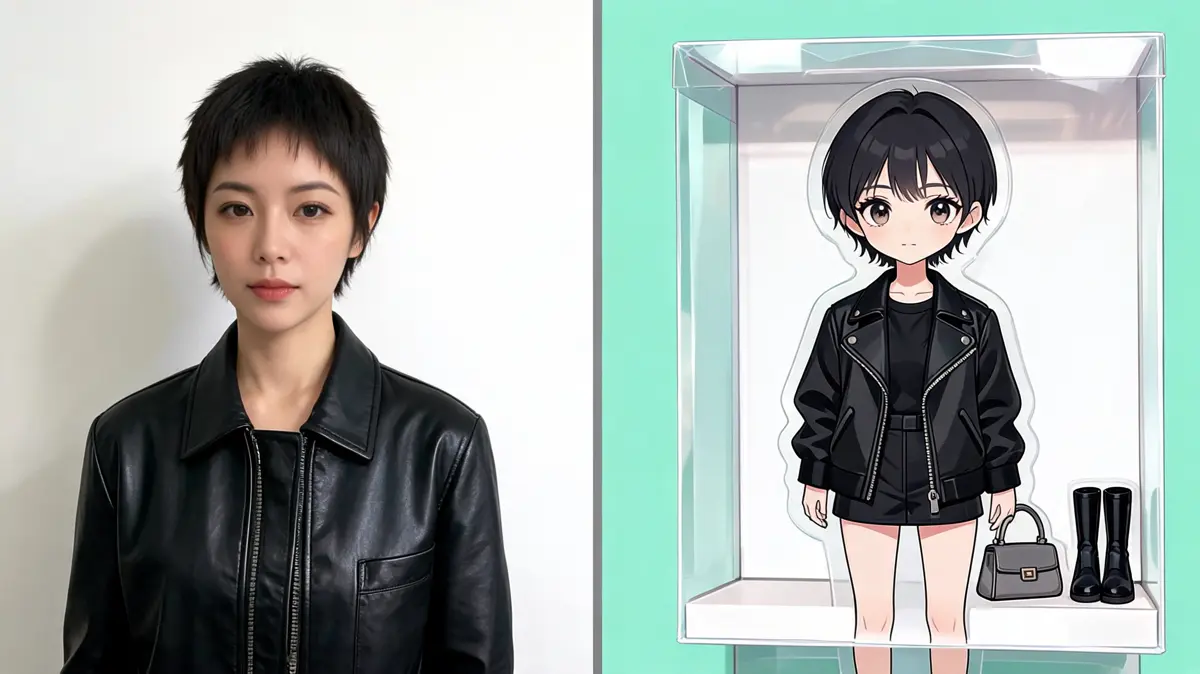
Post your boxed doll next to the original photo and let friends react. It is an easy way to join a trend with a single upload.
Turn a friend's photo into a doll for a birthday message or a card. It makes a personal gift without any design skills.
Make a boxed doll of each guest for a themed party or a group chat. A matching set makes a fun photo wall.
Use the boxed doll as a printed picture that shows the window box and packaging. The pastel backdrop makes the colors pop.
Most people want a playful, shareable picture of themselves or a friend. These groups use the doll box look the most.
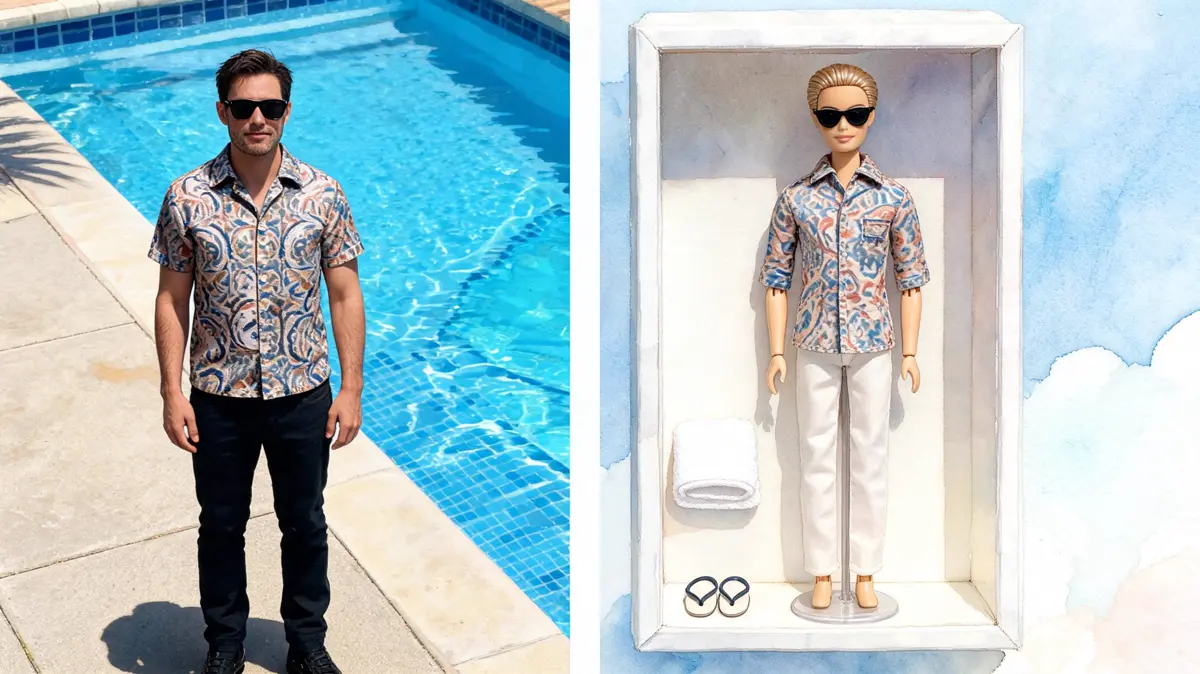
Fans of viral looks use it to take part in one click. A single photo is enough for a whole post.
Friends make a boxed doll of the birthday guest for a card or a shared chat. It turns an ordinary photo into a present people remember.
Creators turn behind-the-scenes photos into boxed dolls to change the pace of a feed. A short series in the same look is easy to recognize.
Fashion fans see their favorite outfit as a doll look with matching accessories. It is a fun way to share a style idea.
Lovsul keeps the whole effect to one upload and one click, and the finished picture waits in your library. You do not need any design skills to get a clean boxed doll.
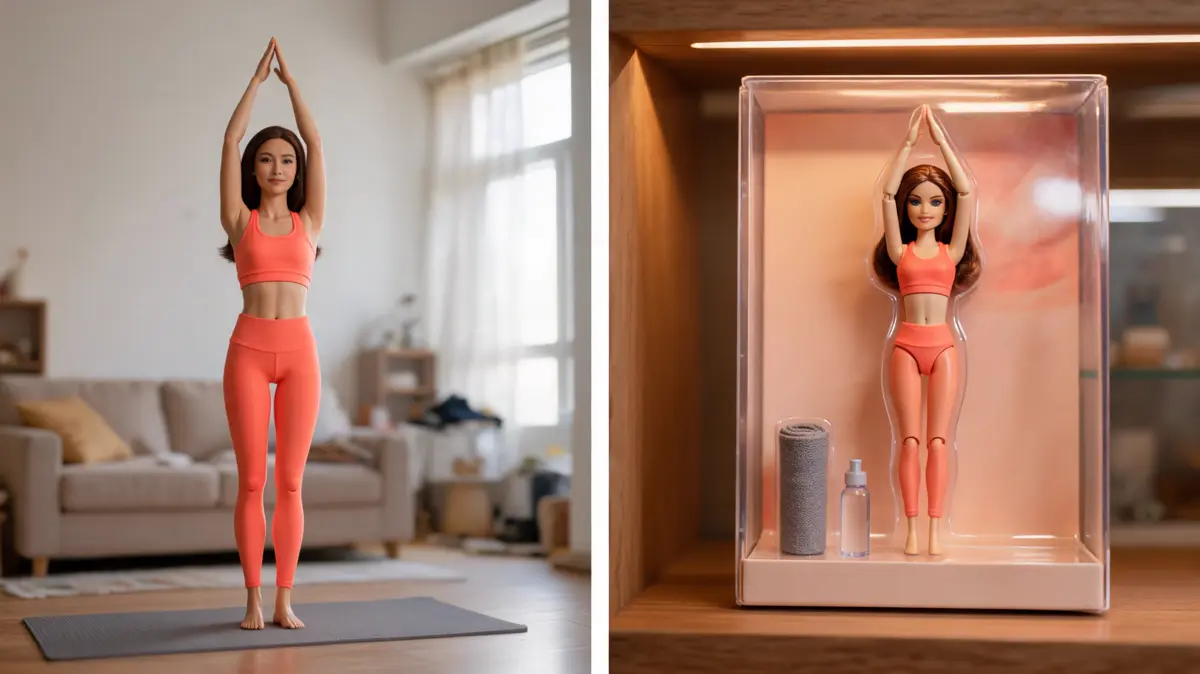
The window box, the backdrop, and the small accessories are set for you, so every run aims at the same collectible feel. Different photos give different dolls, but the look stays consistent.
The effect is set to keep the same person from your photo, with the same face, hair, and outfit colors. Only the doll style and the packaging change.
Every result is stored as its own file in your library. You can download it later after signing in.
Answers about fashion dolls, window boxes, and doll packaging. Each one covers a common question about making a boxed doll.
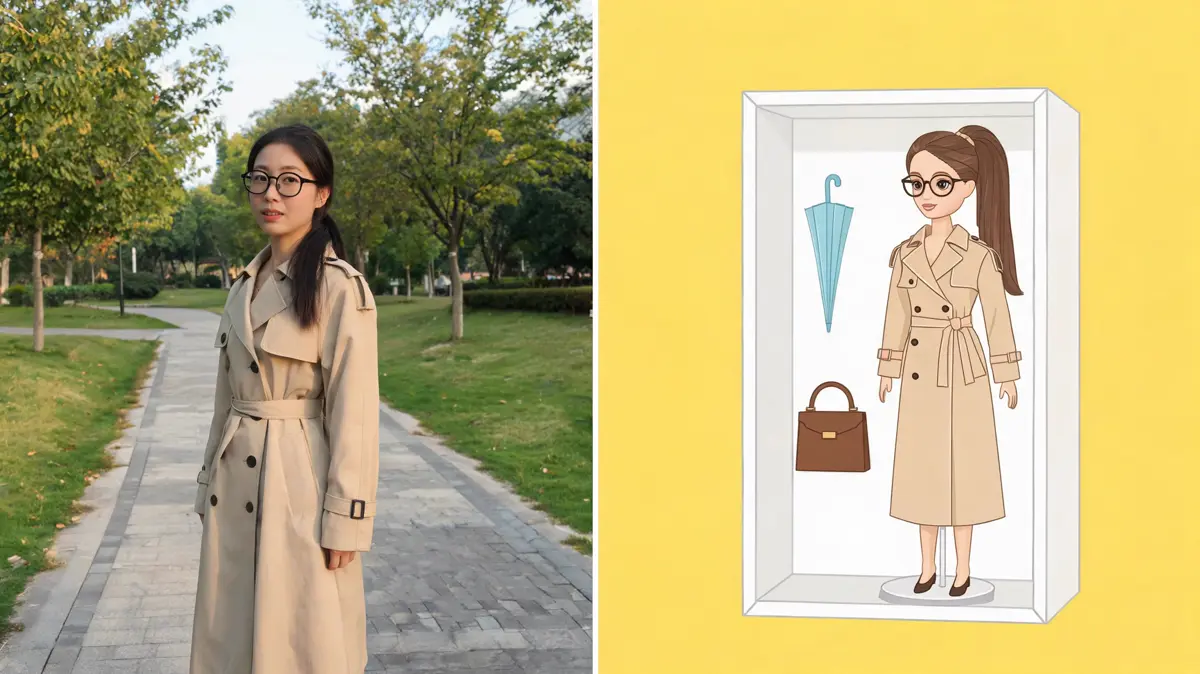
Sharp photos of one adult standing in even light give the clearest doll. Dark, blurry, or heavily cropped photos often lose detail.
The effect is set to preserve your face, hair, and outfit colors, so the doll should still look like you. The accessories are chosen to fit the person in the photo.
The effect works best with one adult in the frame. Group shots tend to lose detail, so crop to a single person first.
You can browse the page without signing in, but generating needs an account. Each run spends credits and saves the result to your library.
Lovsul does not claim copyright in the images you make, so personal and commercial use are both allowed. Free plan results carry a watermark, while images made during an active paid plan do not.