 01
Change her pose so she sits on a park bench with her legs crossed, same face and outfit.
01Change her pose so she sits on a park bench with her legs crossed, same face and outfit.
 02
Make him lean against the wall with one hand in his pocket and a relaxed smile, same clothes.
 03
Show her kneeling by the flower bed and planting a seedling, keep the cardigan and the garden.
 04
Turn this into a mid-stride running pose with arms pumping, same outfit and same track.
 05
Give her a fashion pose: a three-quarter turn, one hand on the hip, and the chin slightly down.
 06
Show him from behind sitting on the rock and looking out at the mountains, same backpack.
Use the AI pose generator on Lovsul to change the pose in a photo. Add one picture, describe the new stance, and download a new image of the same person.
An AI pose generator takes a photo of a person and remakes it with a new body position that you describe. The face, outfit, and setting stay as close to the original as the model allows, while the arms, legs, and angle change.
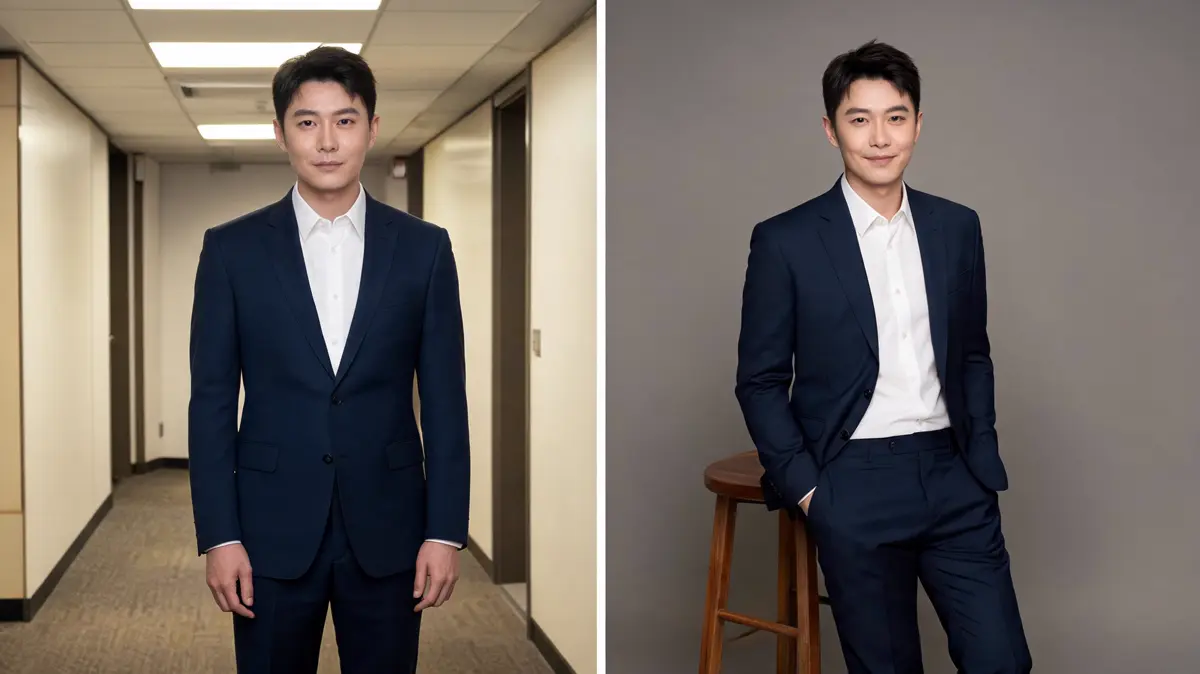
You add one photo of a person and write the pose you want, such as sitting on steps or walking toward the camera. The model redraws the body in that position and keeps the rest of the picture in mind.
Clothing colors, hair, and the general look of the person usually carry over to the new image. Small details like jewelry or patterns can shift, so a second run sometimes helps.
Generate saves the re-posed picture as a new file in your library. The original photo is never edited, so you can try several poses from the same shot.
Changing a pose takes one clear photo and one sentence about the new position. Each step below matches a control you will see on the workspace.
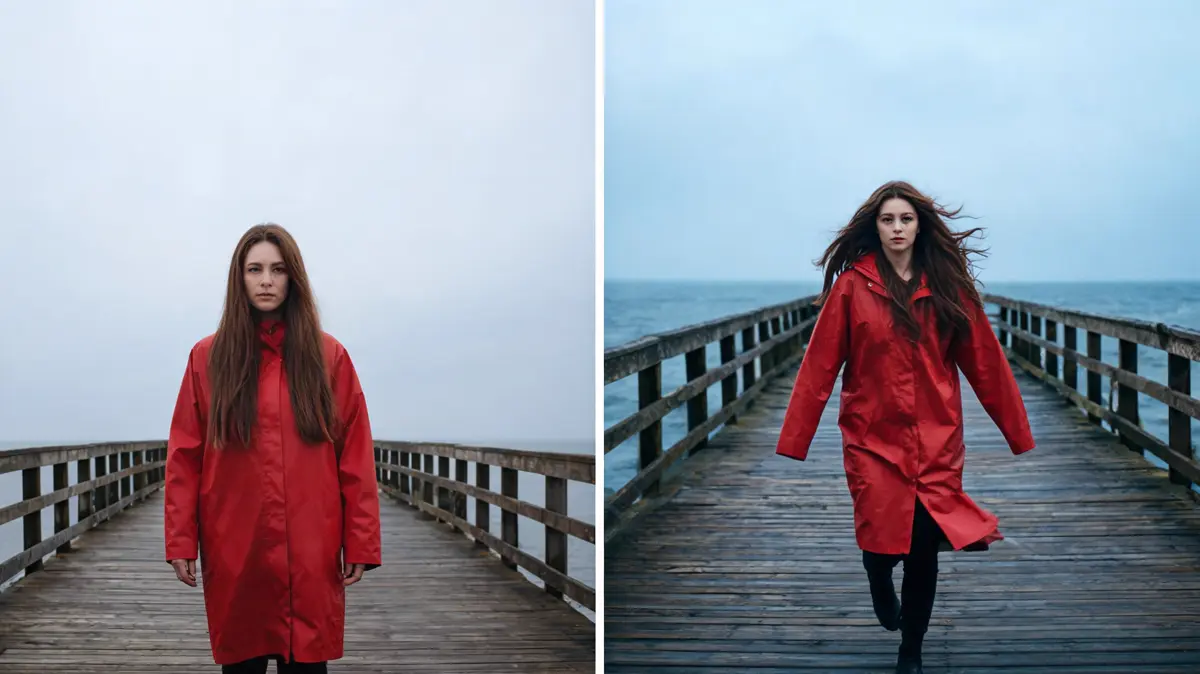
Upload, drag in, link, or choose a photo from your library where the arms and legs you want to move are visible. Cropped limbs leave the model guessing, which often bends them in odd ways.
Describe the stance as you would to a photographer, for example sitting sideways on a chair with one hand on the knee. End with keep the same face and outfit to remind the model what should not change.
Open the model picker, select an image model, and set the options it shows, such as aspect ratio. A tall ratio suits standing poses, while a wide one leaves room for walking shots.
Press Generate to spend credits and save the new picture to your library. If an arm or hand looks wrong, simplify the pose or try another model with the same photo.
Most requests fall into a few kinds of stance, from relaxed portraits to dynamic action. These are the pose ideas for photos that tend to work well.
Turn a stiff snapshot into a relaxed stance with hands in pockets, crossed arms, or a slight turn of the shoulders. It is a quick way to refresh a profile picture or a team photo.
Move a standing person onto steps, a stool, or a low wall, or have them lean against a railing. Name the seat in the prompt so the model knows what the body rests on.
Ask for a mid-stride walk, a jump, or a turn with a coat swinging out behind. Action poses look most natural when the original photo shows the full body.
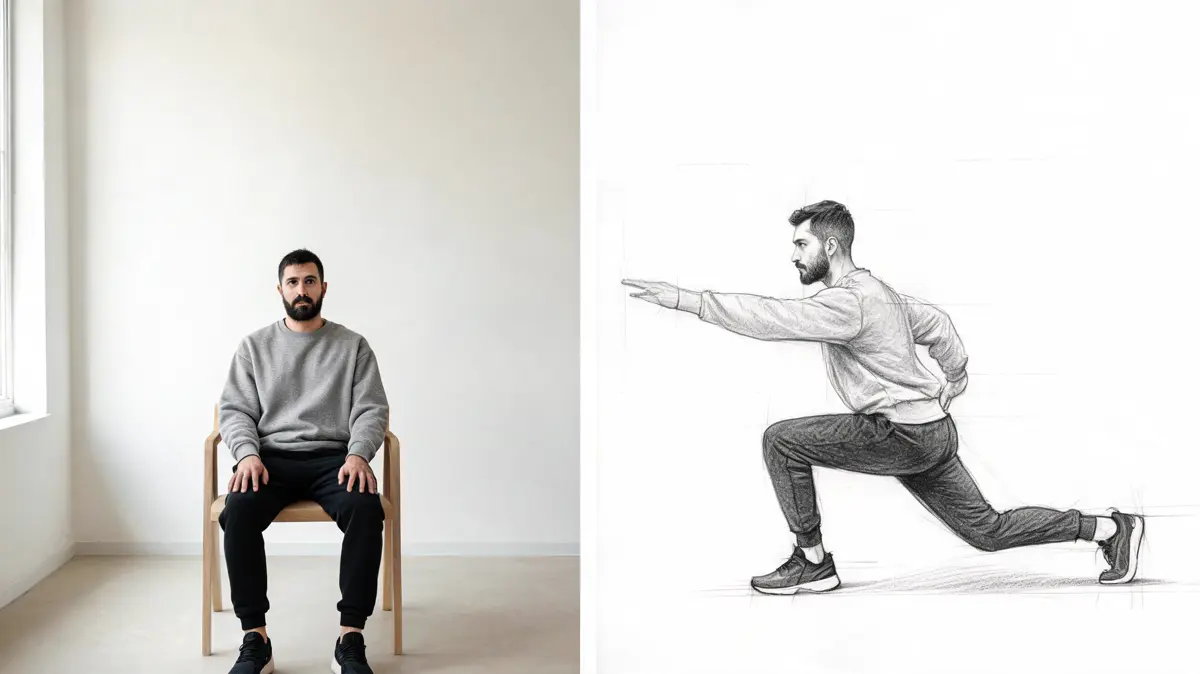
Artists turn a photo of themselves or a friend into a clean pose reference in a pencil sketch or 3D style. It gives them a figure to study before drawing a character.
People who like a photo but not the stance in it, and do not want to reshoot. These are the groups that ask for new poses most often.
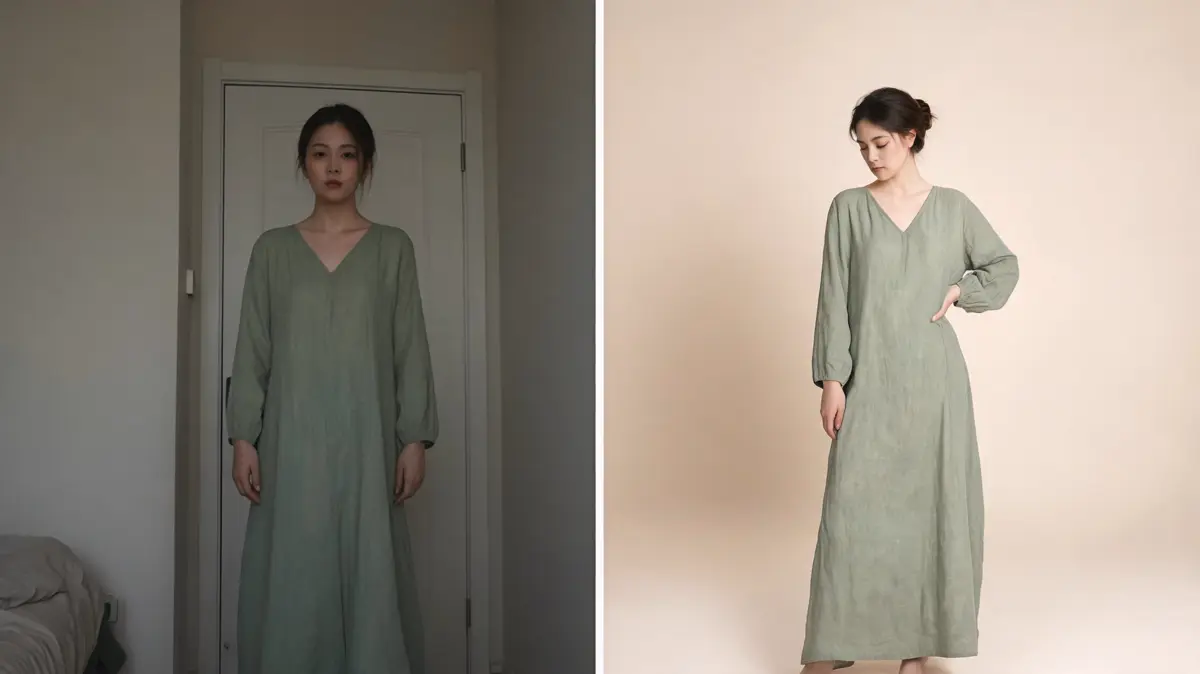
Shops turn one model photo into a few extra poses, so a listing shows the clothes standing, sitting, and turning. It fills out a product gallery when there was time for only one shot.
Creators give one good outfit photo several poses to keep a feed from looking repeated. A walking shot and a seated shot from the same photo make a natural pair.
Illustrators use a quick re-posed photo or sketch as a model for a tricky angle. It saves hunting for a reference that matches the exact stance they have in mind.
People improve a stiff work photo by asking for relaxed shoulders, a slight turn, or folded arms. The result suits a profile page when a new photo shoot is not practical.
Lovsul needs only one photo and a sentence about the stance, with no pose library to learn first. Every result is a separate file, so the original photo always stays as it was.
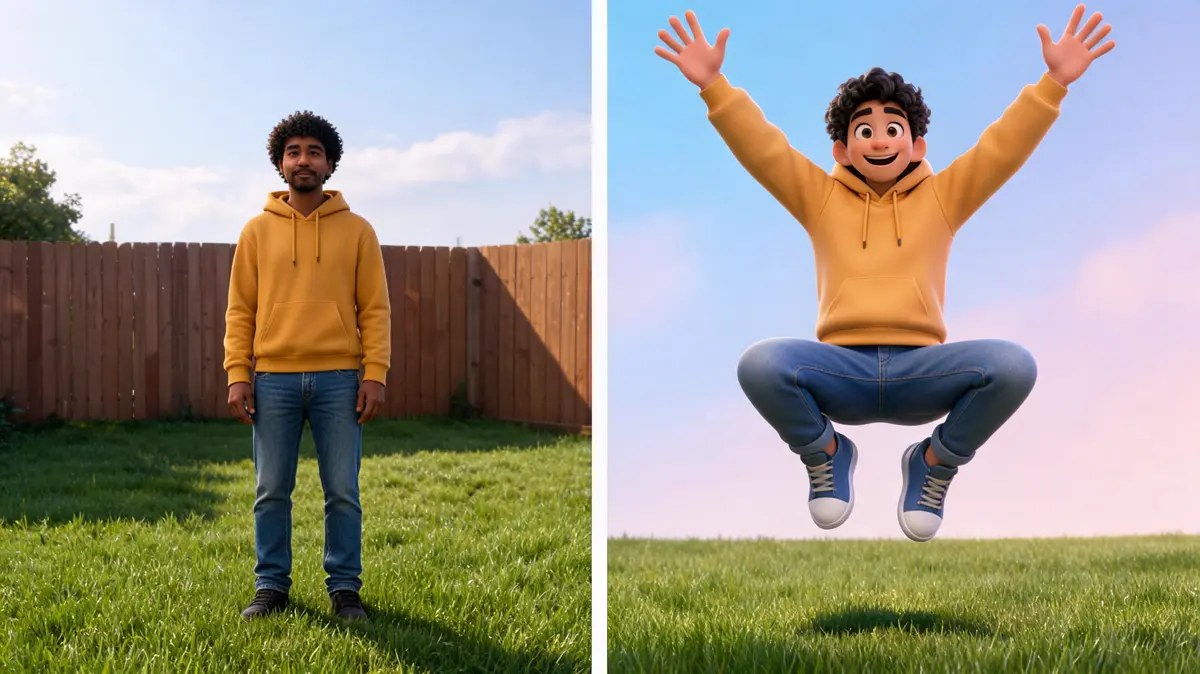
There are no preset pose buttons, so the pose can be as specific as you like, down to where the hands rest. A plain sentence is enough to start.
Run the same photo and prompt on another model when hands or feet look off. Each model handles bodies and fabric in its own way.
Upload, drag and drop, paste a link, or pick a past result from your library. A picture made in text to image can be re-posed the same way.
Answers about photos, pose prompts, and what stays the same. Each one covers a single question about changing a pose.
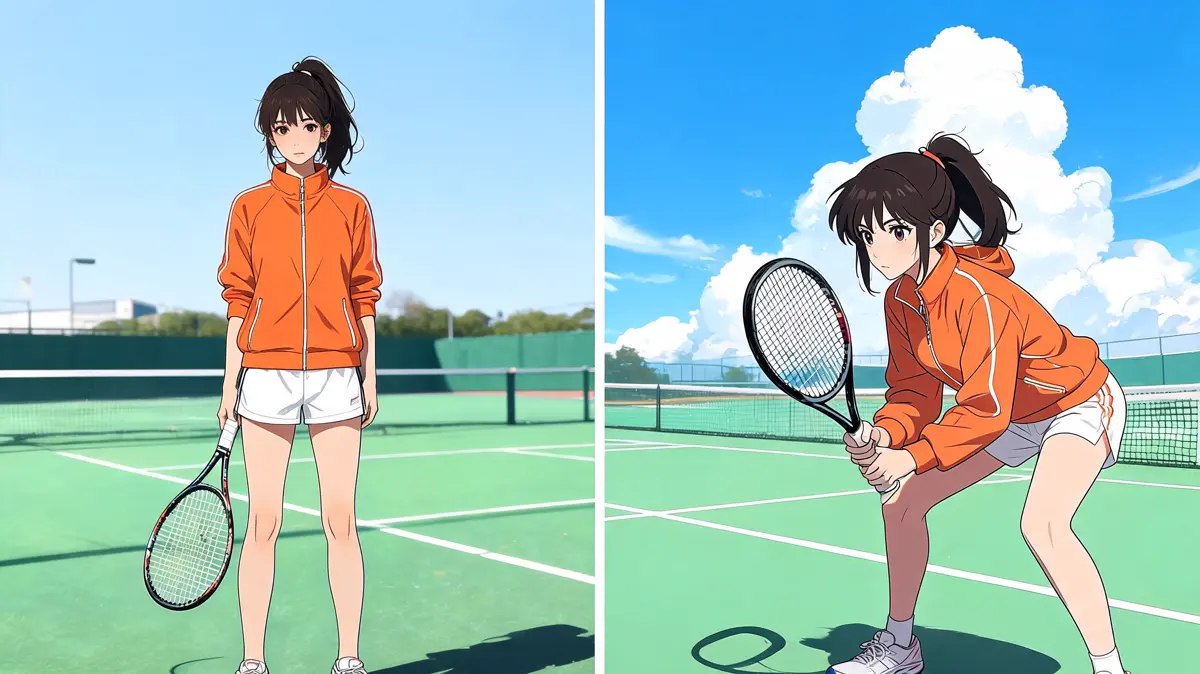
A sharp photo where the whole person is visible and well lit works best. Group shots, heavy shadows, or cropped limbs give the model less to work with.
Say what the body does and where it rests, such as kneeling on one knee with both hands on the ground. Keep to one pose per prompt, since mixed instructions often blur together.
They usually stay close, because the new image starts from your photo. Faces and small details can still shift, so compare the result with the original and run it again if needed.
Yes, the starting picture can be an illustration or a render of your own character. Describe the new pose and say that the art style should stay the same.
Yes, Lovsul does not claim copyright in the images you make, so you can use them for commercial and personal projects. Make sure you have the right to use the person and the photo you started from.