文字轉圖像
Write a prompt alone. The model turns your sentence into a new image, saved to your library.
從這裡開始一句話
成片一張靜幀
寫好提示詞就夠了。這一條不接收照片。
- 寬高比
- 16:9 · 9:16 · 1:1
Lovsul is a web app. You start with one sentence or one photo, pick a model, and Generate creates a new image in your library.
01
Images are the core of Lovsul. Write a sentence or add a photo and get a new still; when it needs motion, the video tools take it further.
Write a prompt alone. The model turns your sentence into a new image, saved to your library.
寫好提示詞就夠了。這一條不接收照片。
Add one photo and describe a new version. The model creates a new image from both, and your photo stays as it was.
照片可以上傳、拖進來、貼一條連結,或從資料庫裡選。
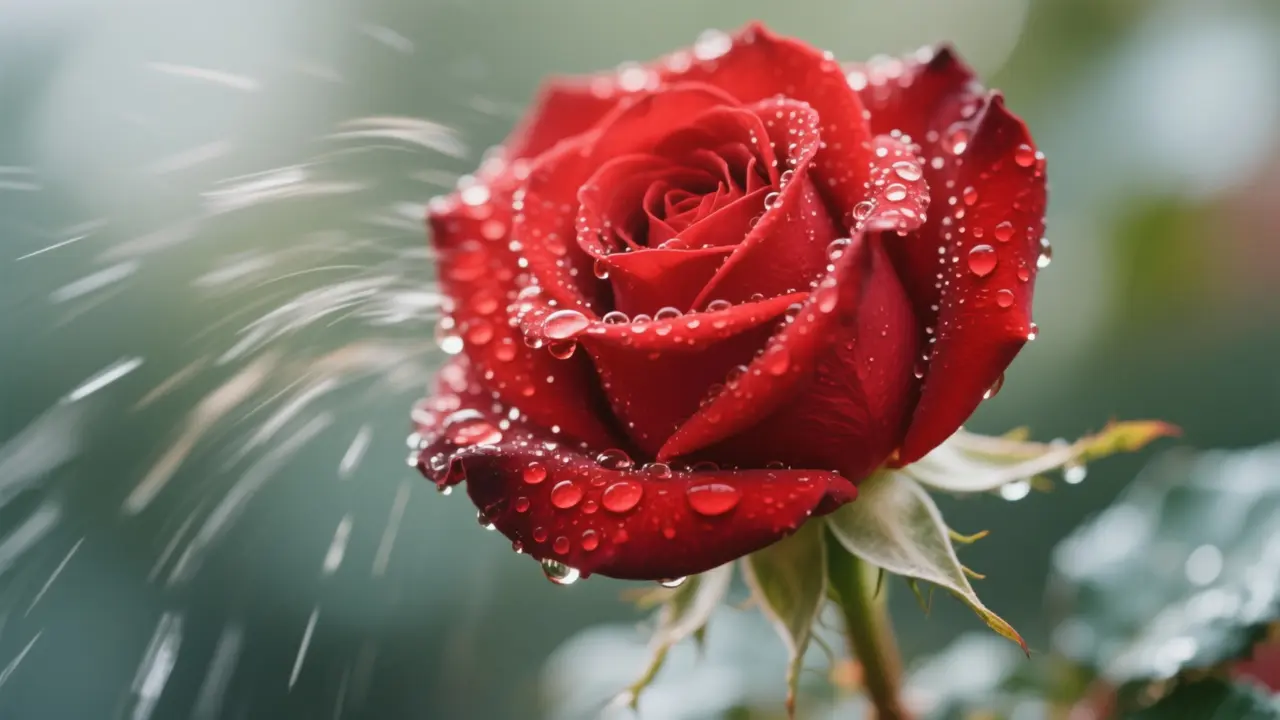
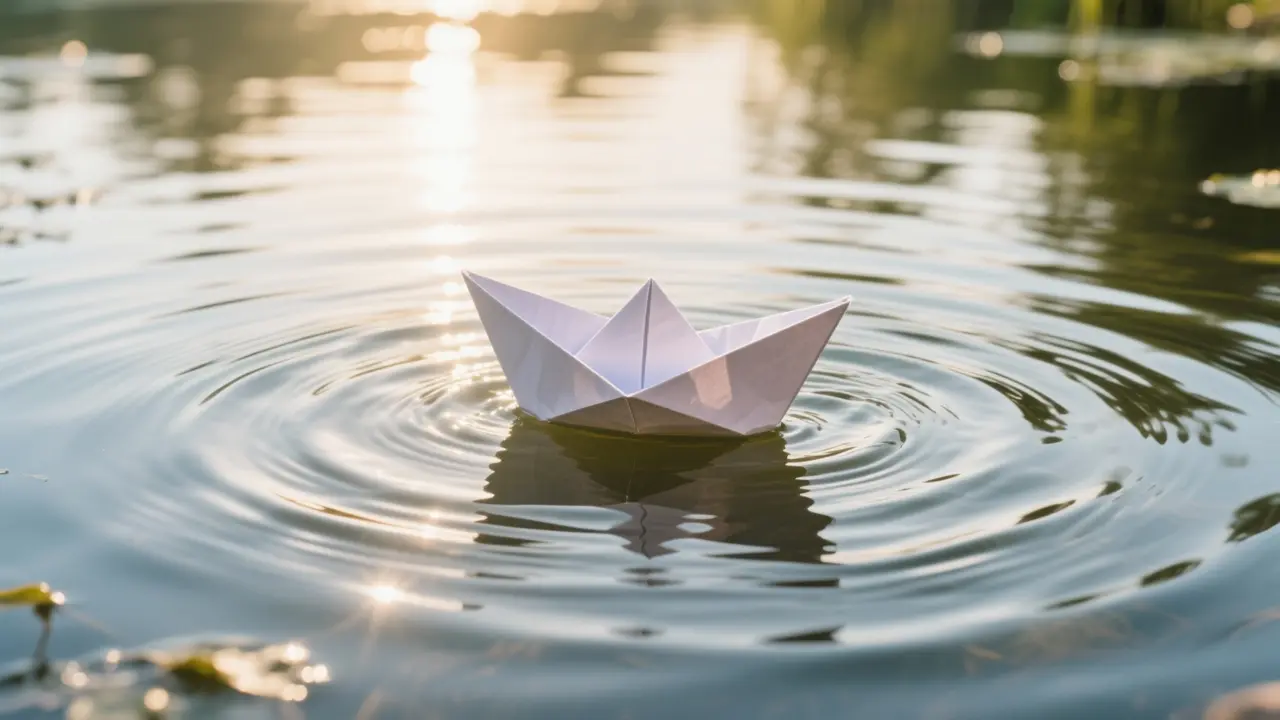
Start from a still, such as an image you just made, and write a prompt. The model animates it into a short video.
照片可以上傳、拖進來、貼一條連結,或從資料庫裡選。
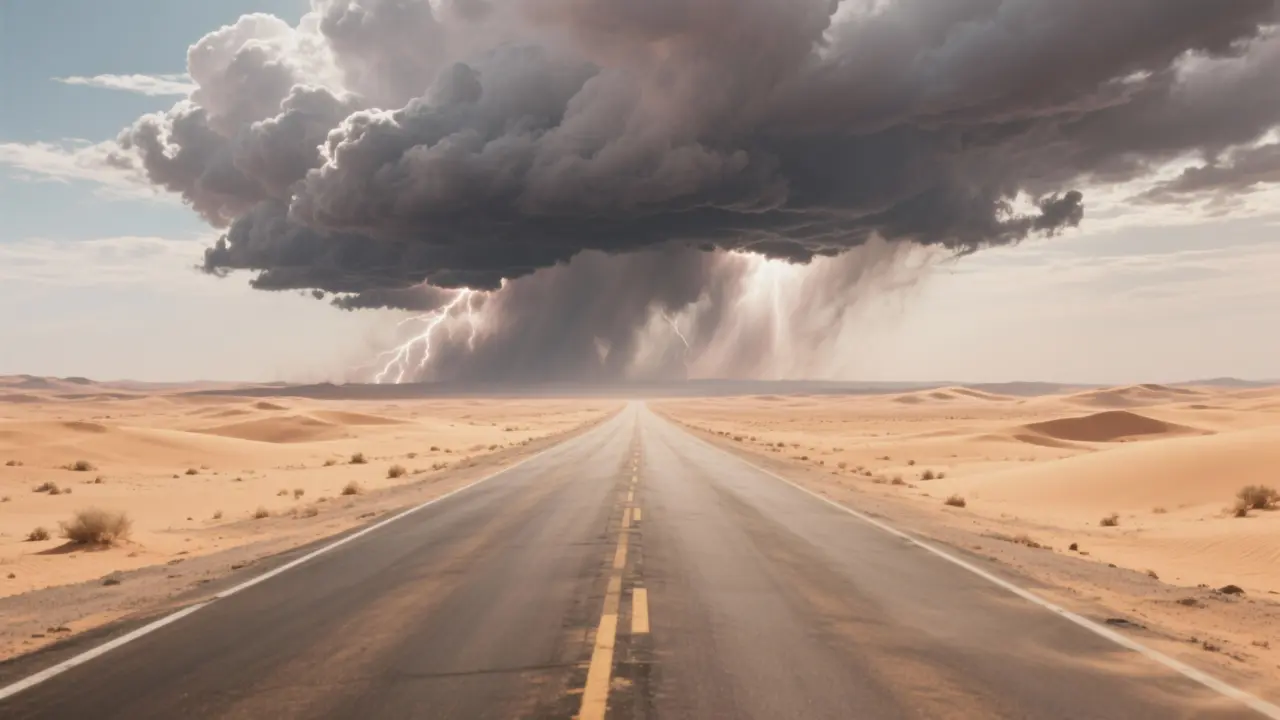
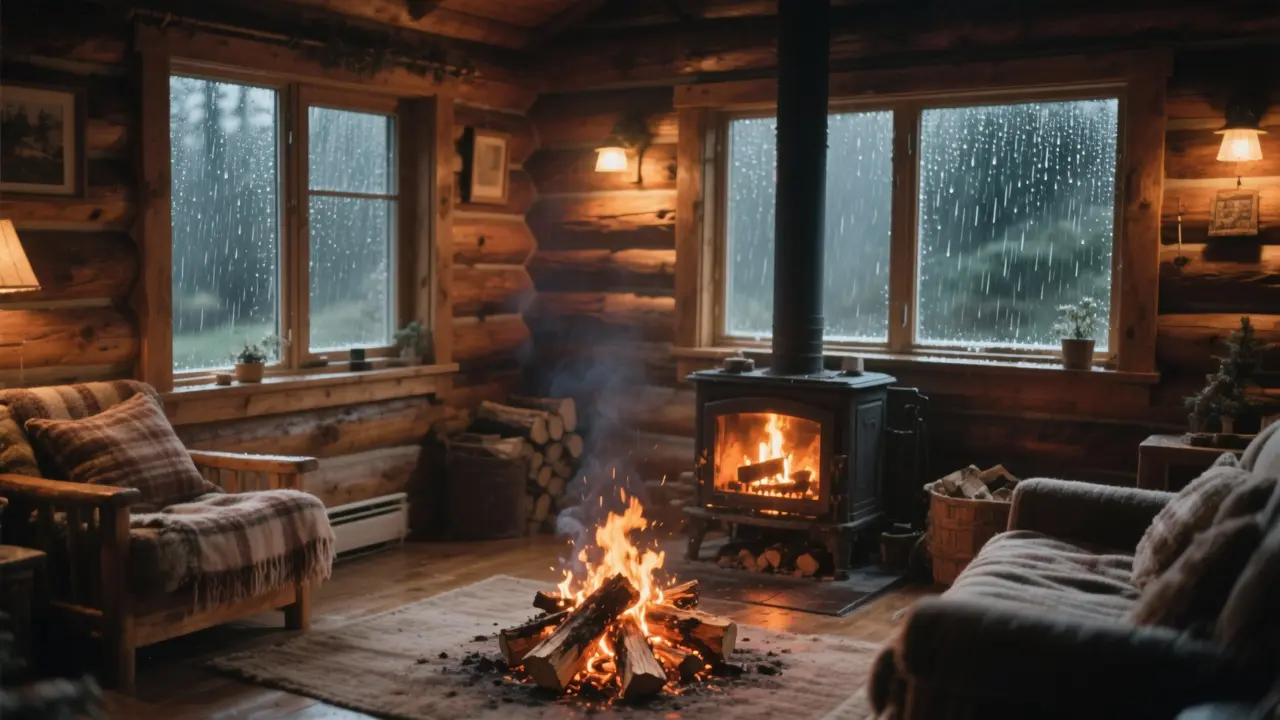
輸入一句句子作為提示。無需提供照片;模型會根據你的文字生成一段短片。
寫好提示詞就夠了。這一條不接收照片。
02
Pick an image model, or a video model when you need motion. Each model shows only the controls it supports.
Choose an image model for new stills. Options typically include aspect ratio.
選擇視頻模型以生成短片。選項可能包括畫面比例和時長。
03
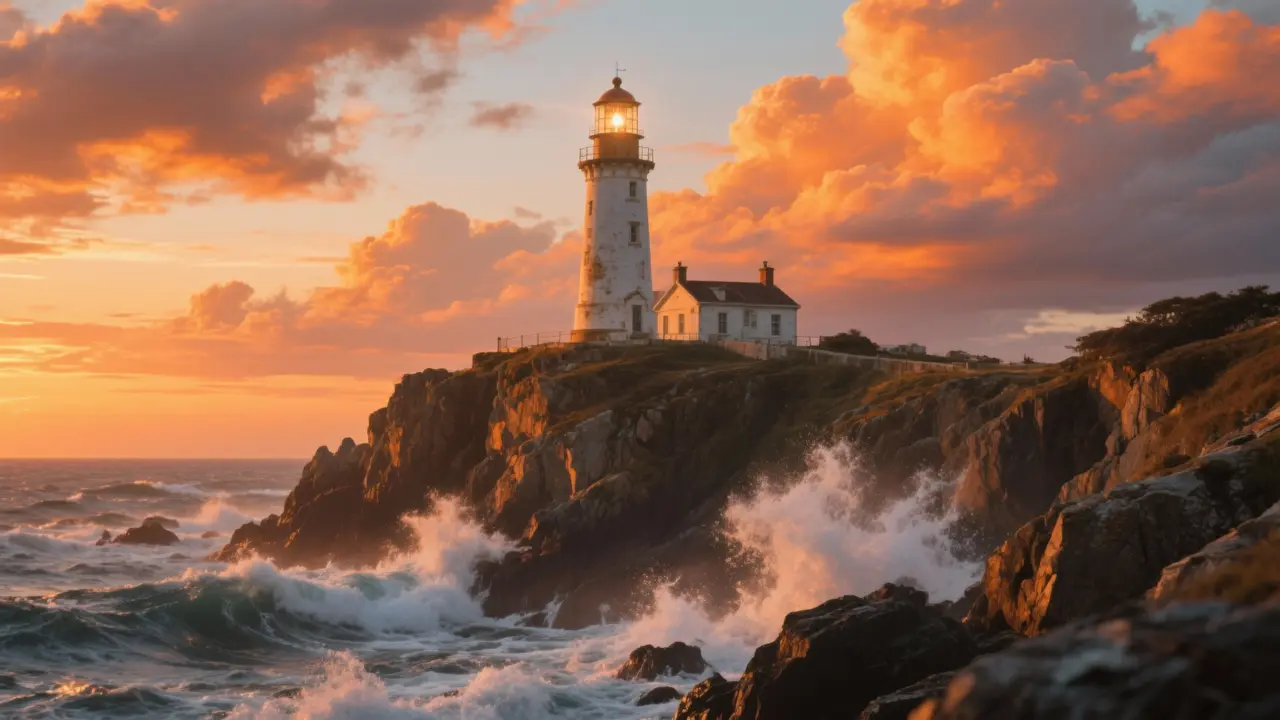
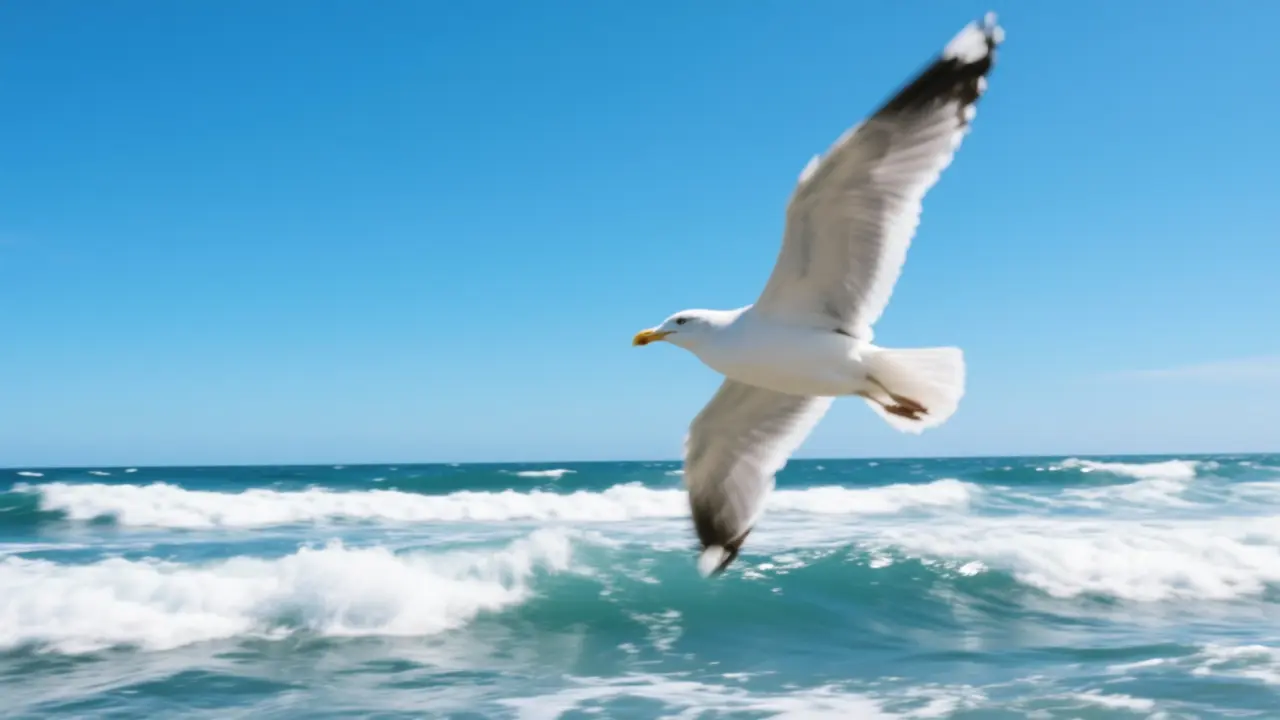
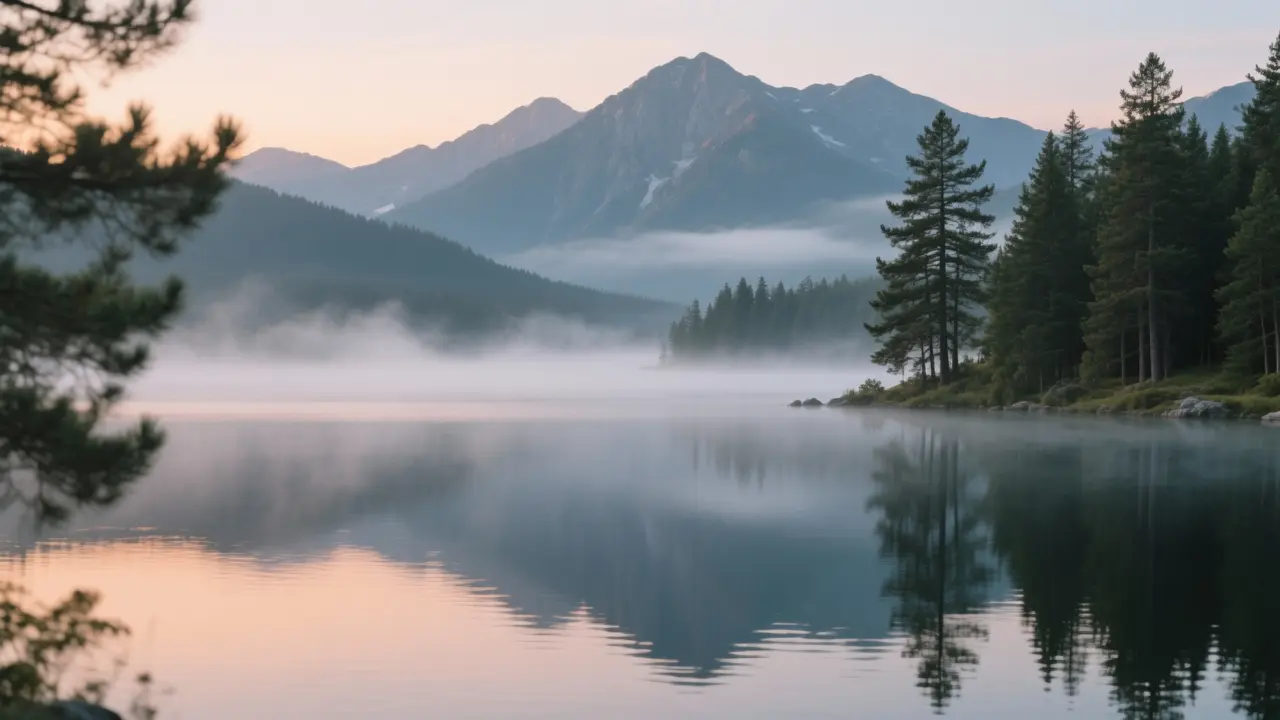
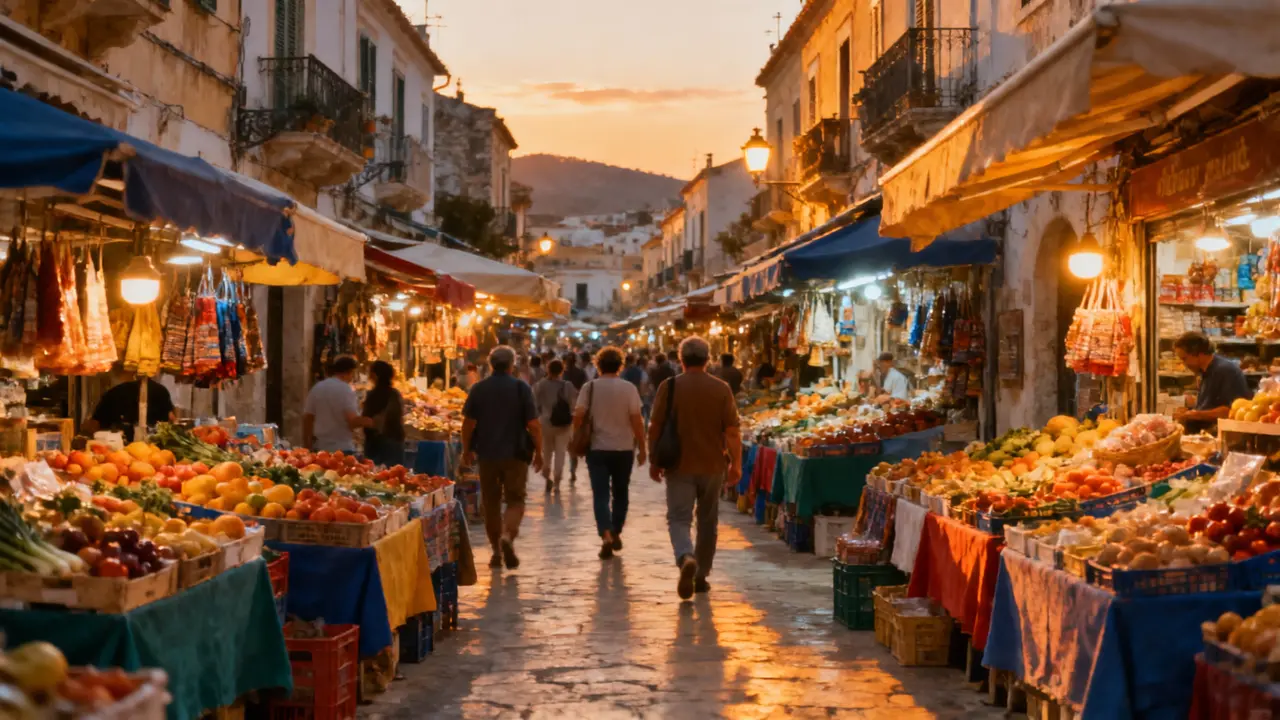
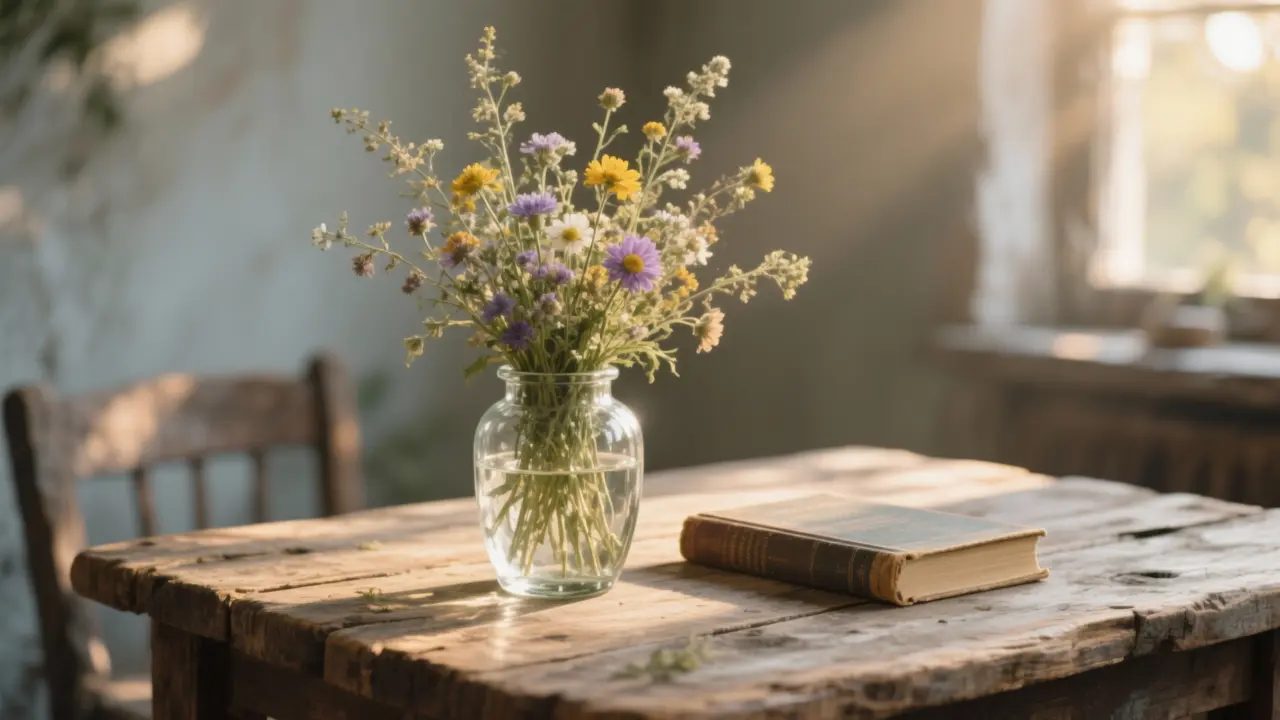
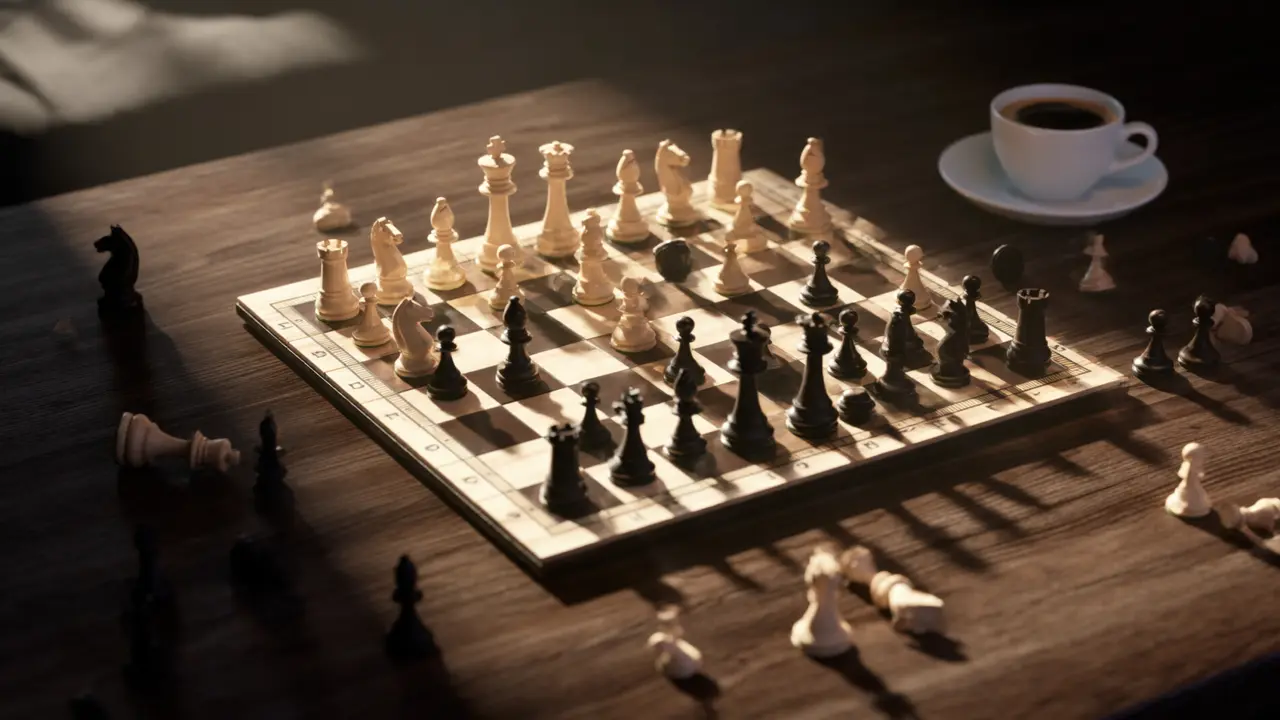
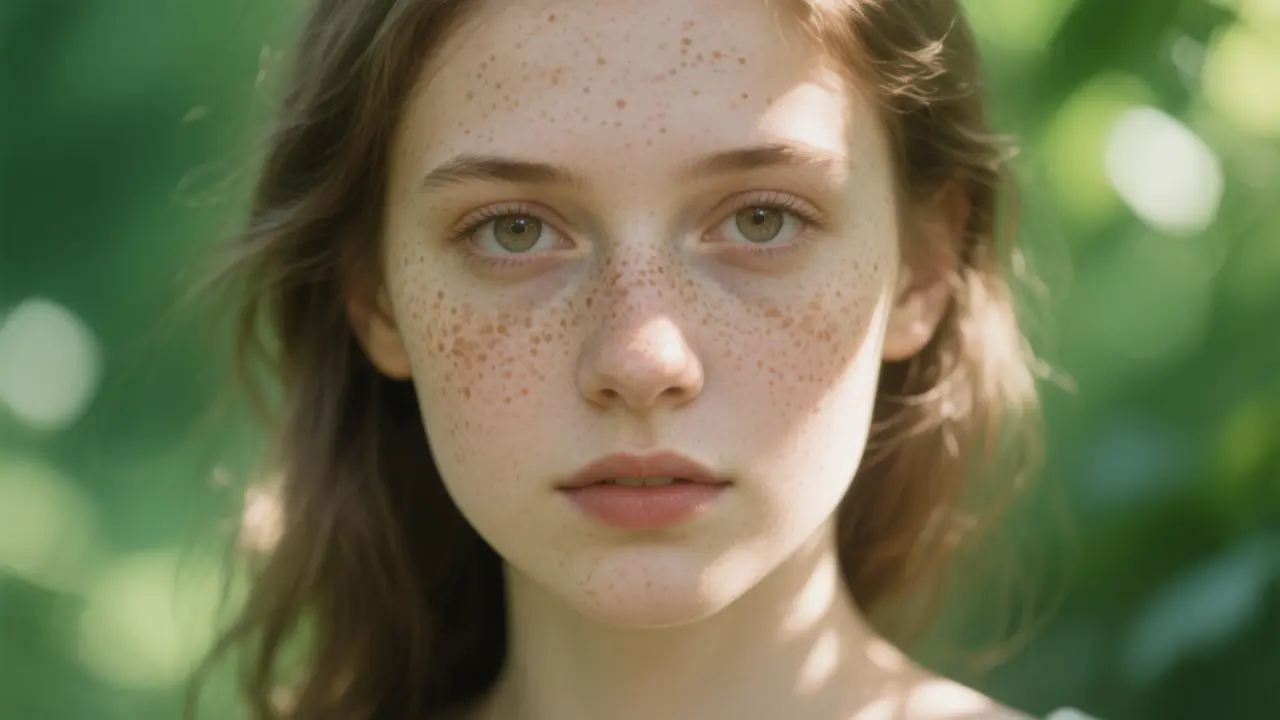
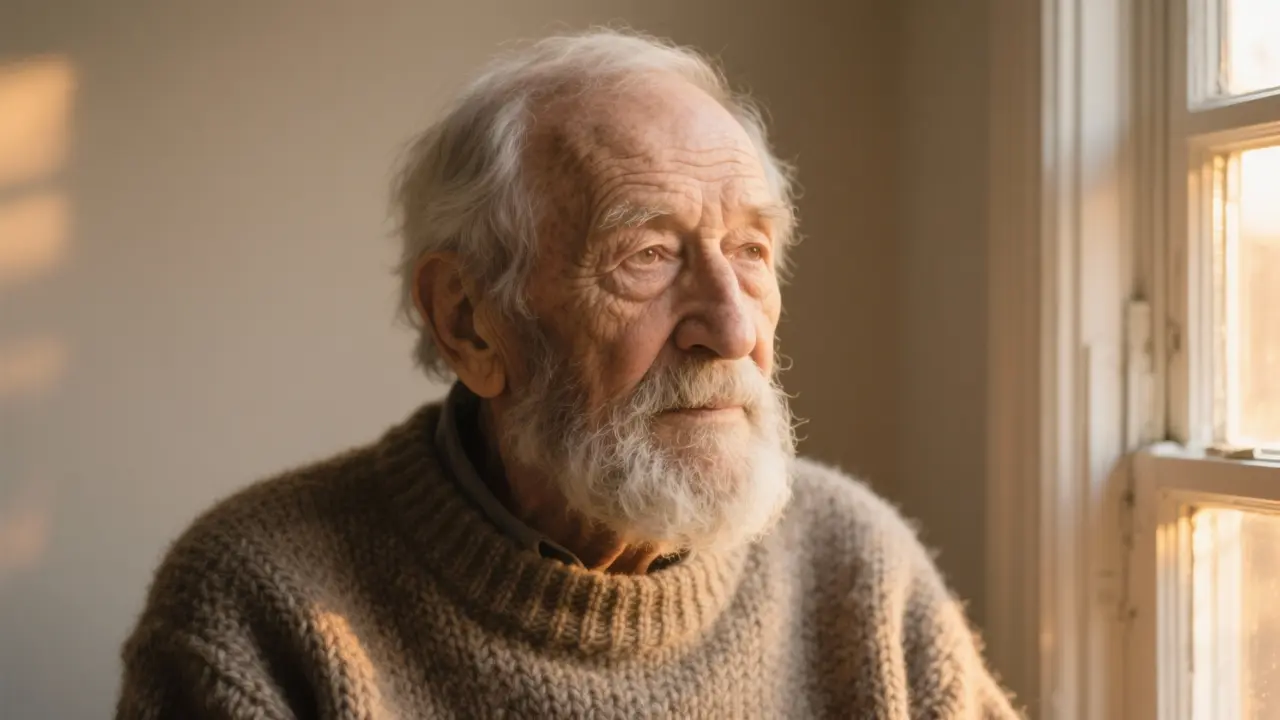
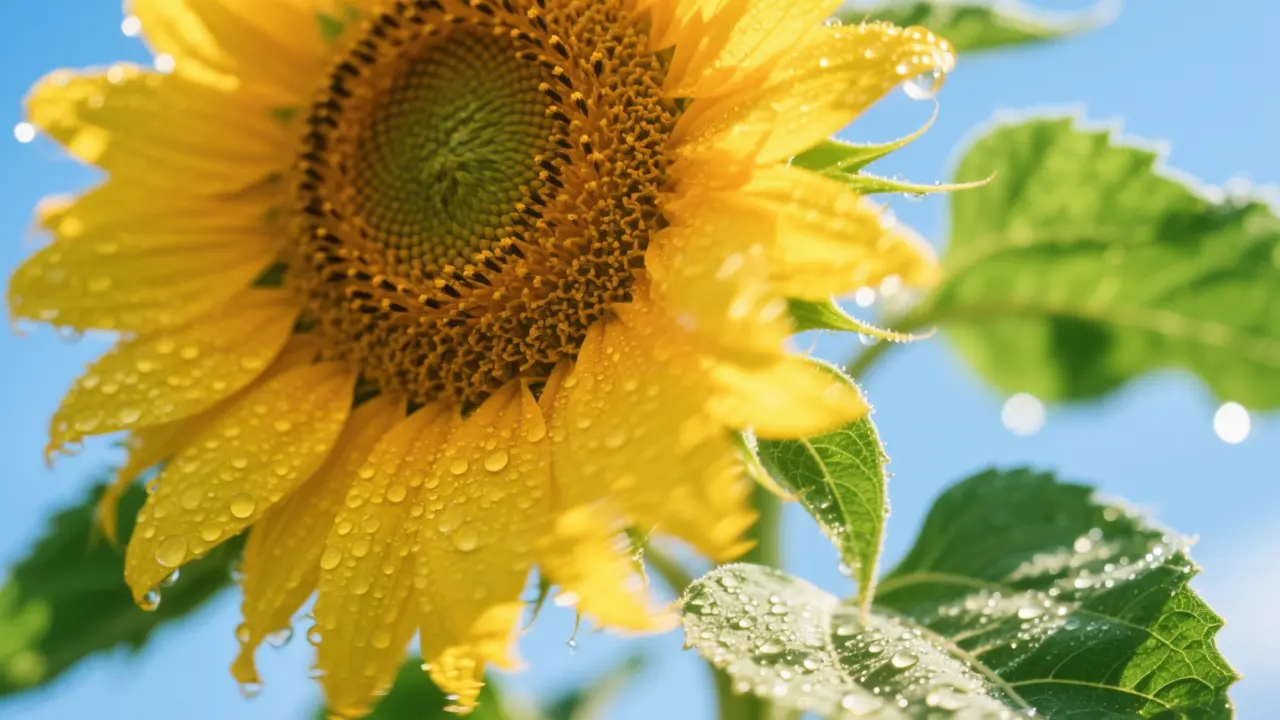
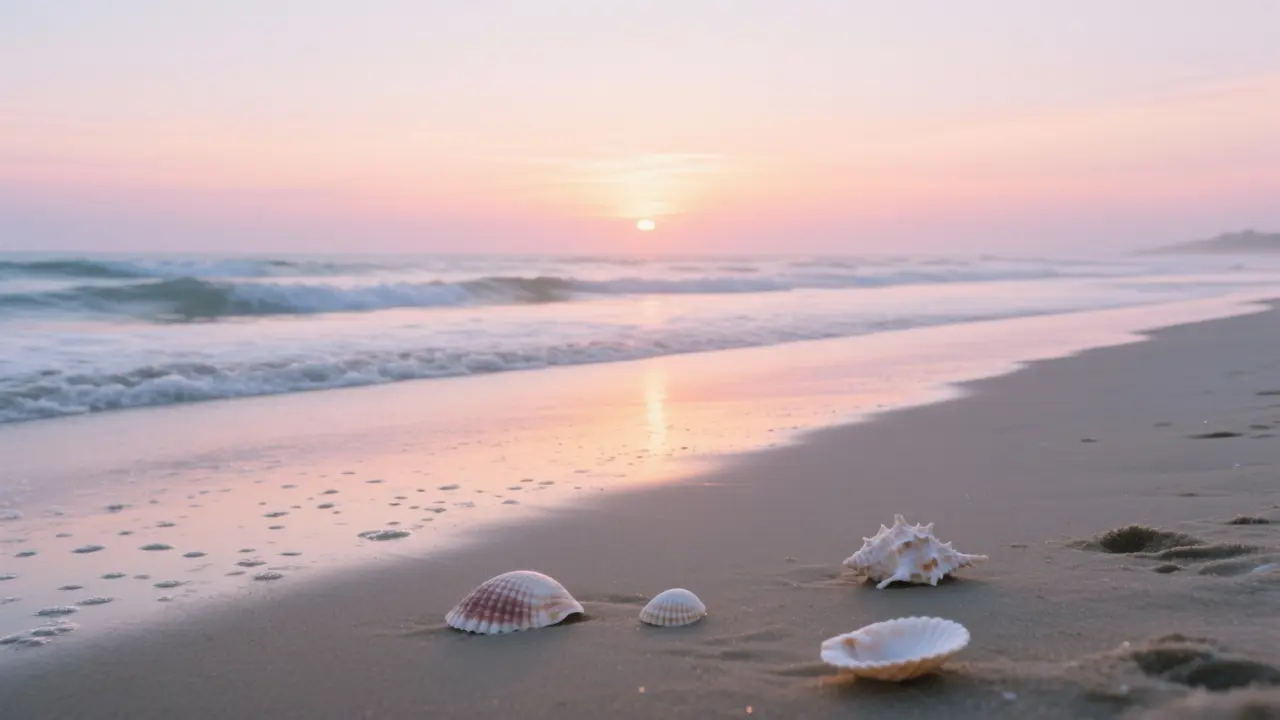
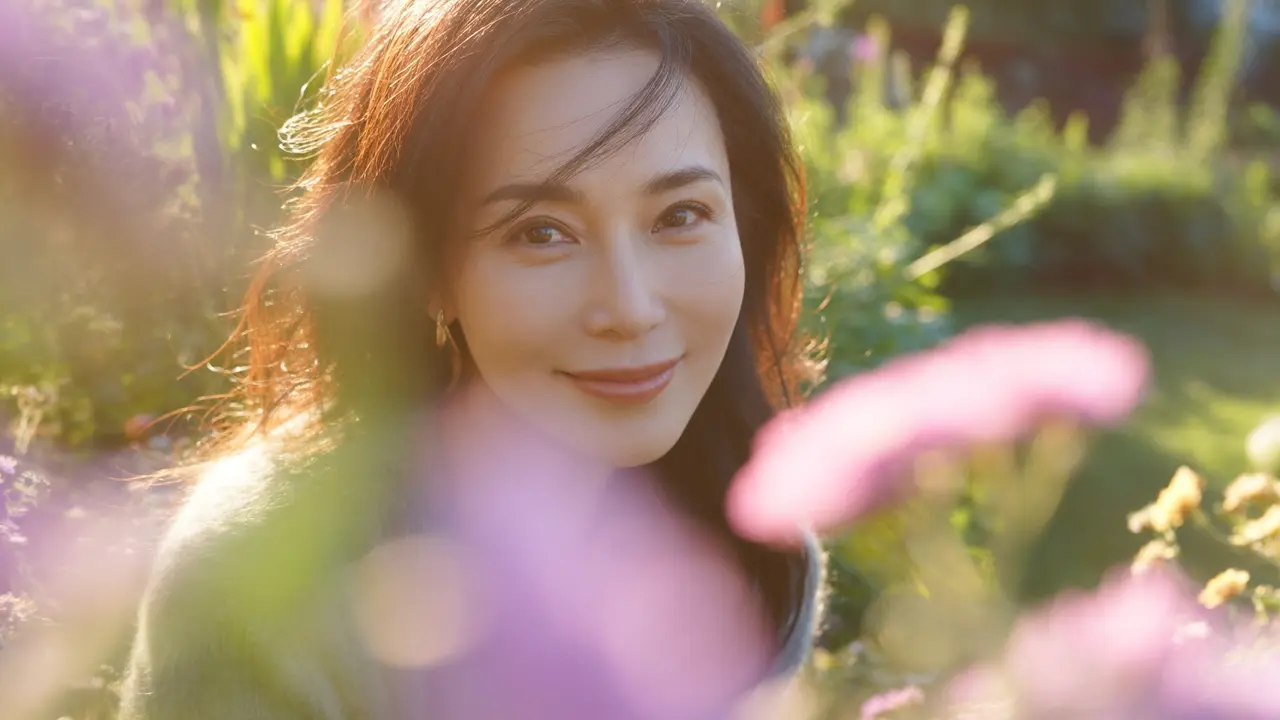
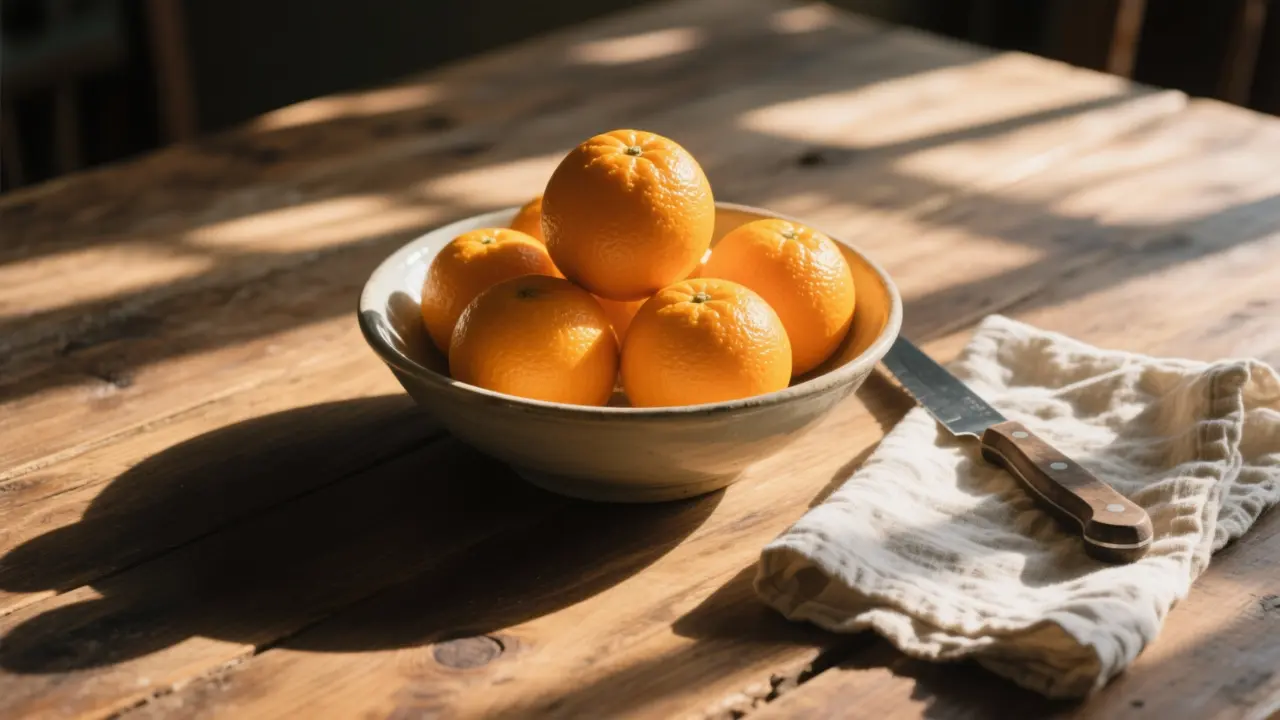
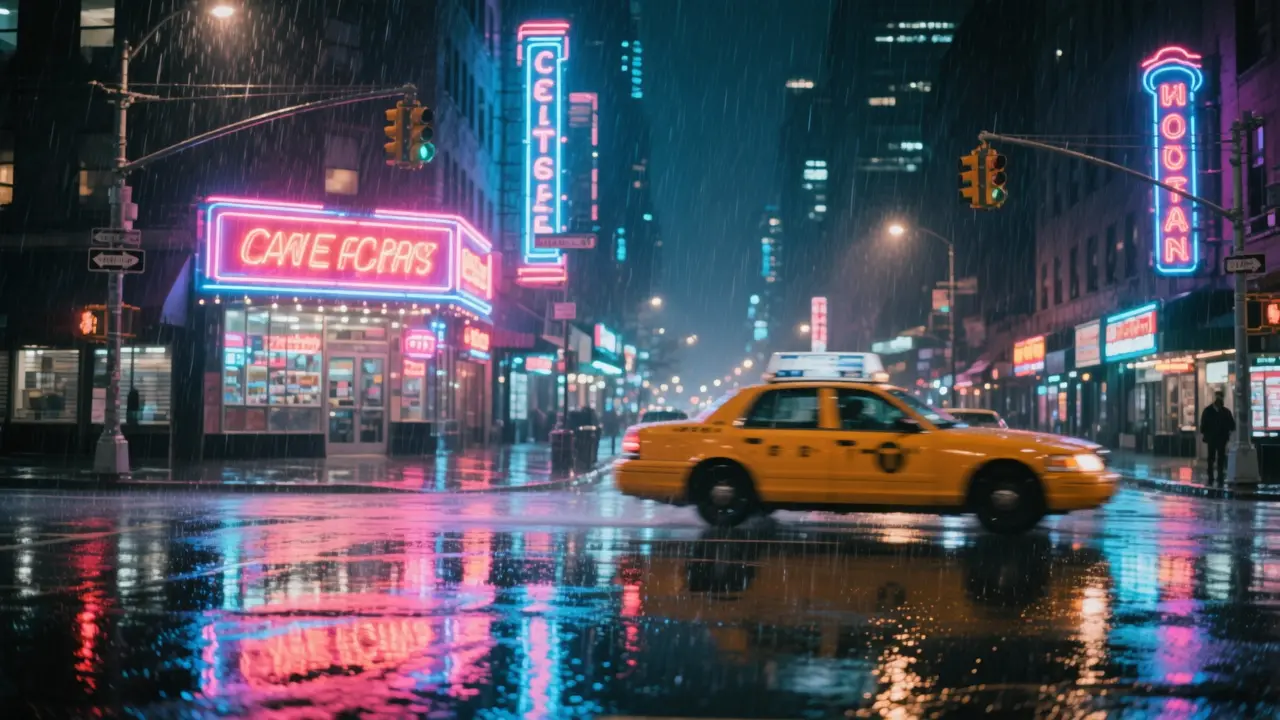
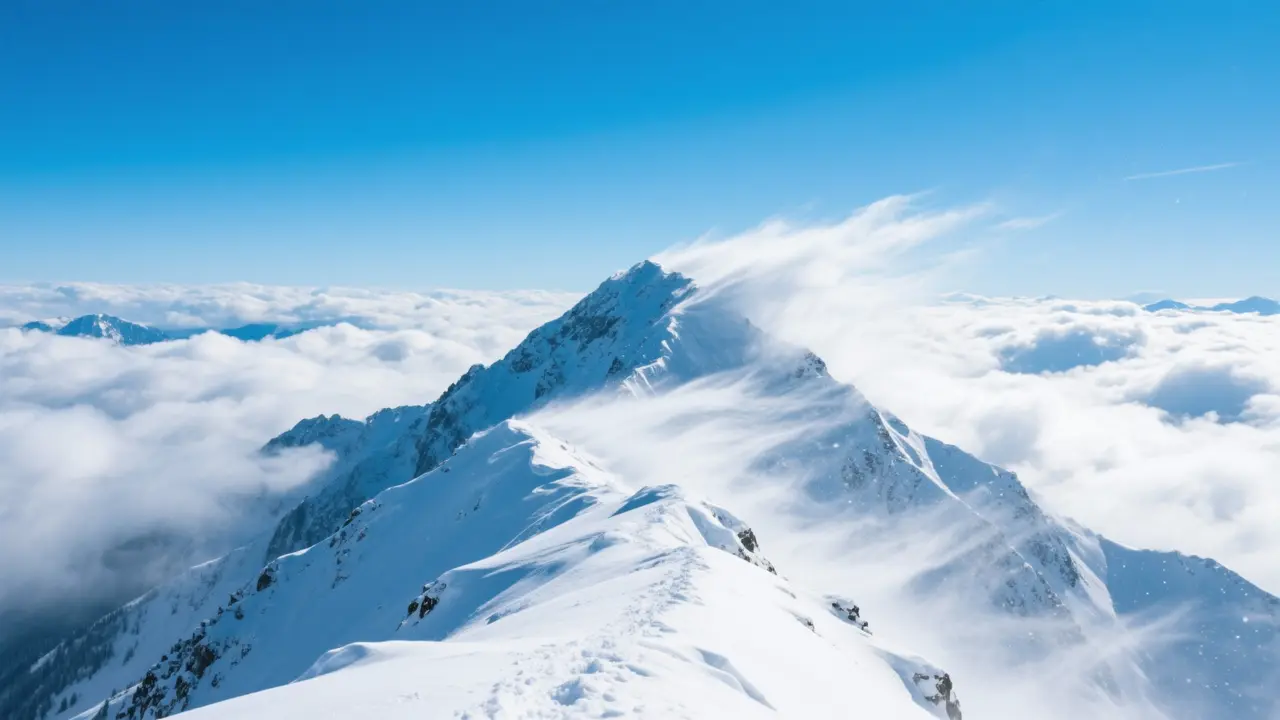
See what one sentence or one photo can become. The first four are stills; the last two add motion.
04
4.7
打了一句句子,就得到了一幅美麗的靜止畫面。寫提示詞所花的時間,比生成本身還要久。
用圖像對圖像來測試變體。免費方案加了水印,但結果仍然有用。
生成後,檔案出現在我的資料庫中。我直接下載了,沒有任何困惑。
我上傳了一張相片並寫下了提示詞,影片出嚟好順暢,雖然得幾秒咁長。
我購買了積分並使用了一次生成。退款政策容易理解,雖然我沒有用到。
我一次提交了三個提示。每個都順利完成,沒有出錯,而且我可以在資料庫中追蹤它們。
05

It is a tool that creates a new image from one sentence or one photo. You pick a model, write a prompt, and generate. Lovsul can also turn a still into a short video.
No. Text to image and text to video work with a prompt alone, while image to image and image to video need a photo.
所有結果都會儲存在你的資料庫中。你可以隨時從那裡下載。
免費計劃的結果包含水印,但付費結果則沒有。失敗的生成會自動退還點數。
可以,無論商業或非商業用途均可。Lovsul 不會對你生成的檔案主張版權。
一次性購買的點數,若未曾使用,可於7天內全額退款。超過該期限後,點數將不予退款。